You have the project on the bench and a downloaded pack with five folders in it: SVG, PNG, JPG, PDF, EPS. Several may work, but some are easier starting points for your project, and picking the wrong one is where afternoons go to die. The software rejects the file, or the print comes out with a white box behind it, or the enlarged design turns to mush.
This is the fast version of the answer: a decision guide you can use in under a minute. If you want the full story of what lives inside each format and what conversion between them costs, our deep SVG vs PNG vs PDF comparison is that article. This one exists to get you back to the machine.
Tip
A useful starting point: SVG for editable cutting paths, PNG for pixel artwork and transparent backgrounds, and PDF for a prepared print page. Check what your software accepts; these are convenient defaults, not exclusive rules.
Start here: the decision table
Find your project, use that format, done.
| Your project | Open this file |
|---|---|
| Cut adhesive vinyl (Cricut, Silhouette) | SVG |
| Cut heat transfer vinyl for a shirt | SVG, mirrored before cutting |
| Cut cardstock or paper | SVG |
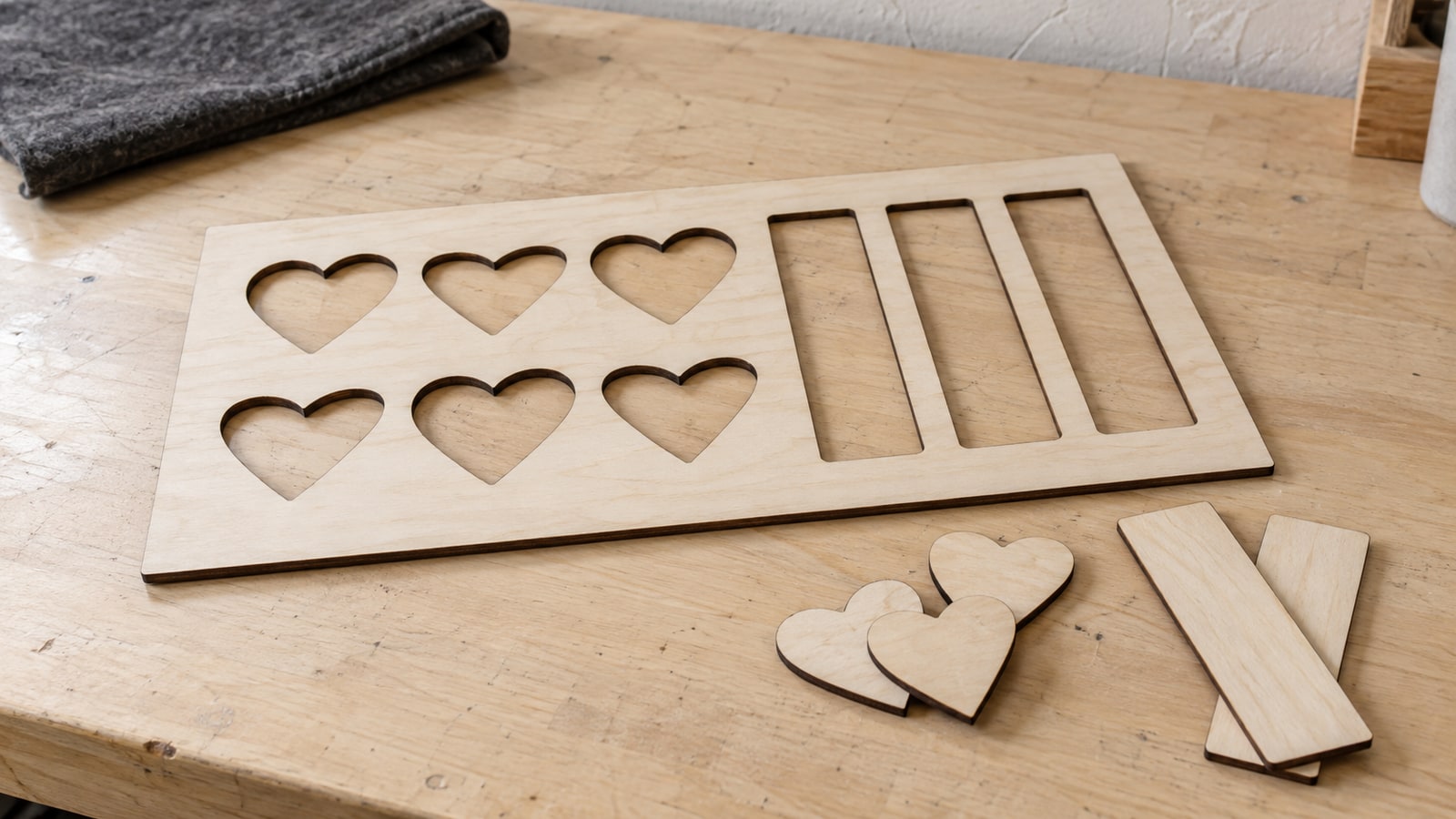
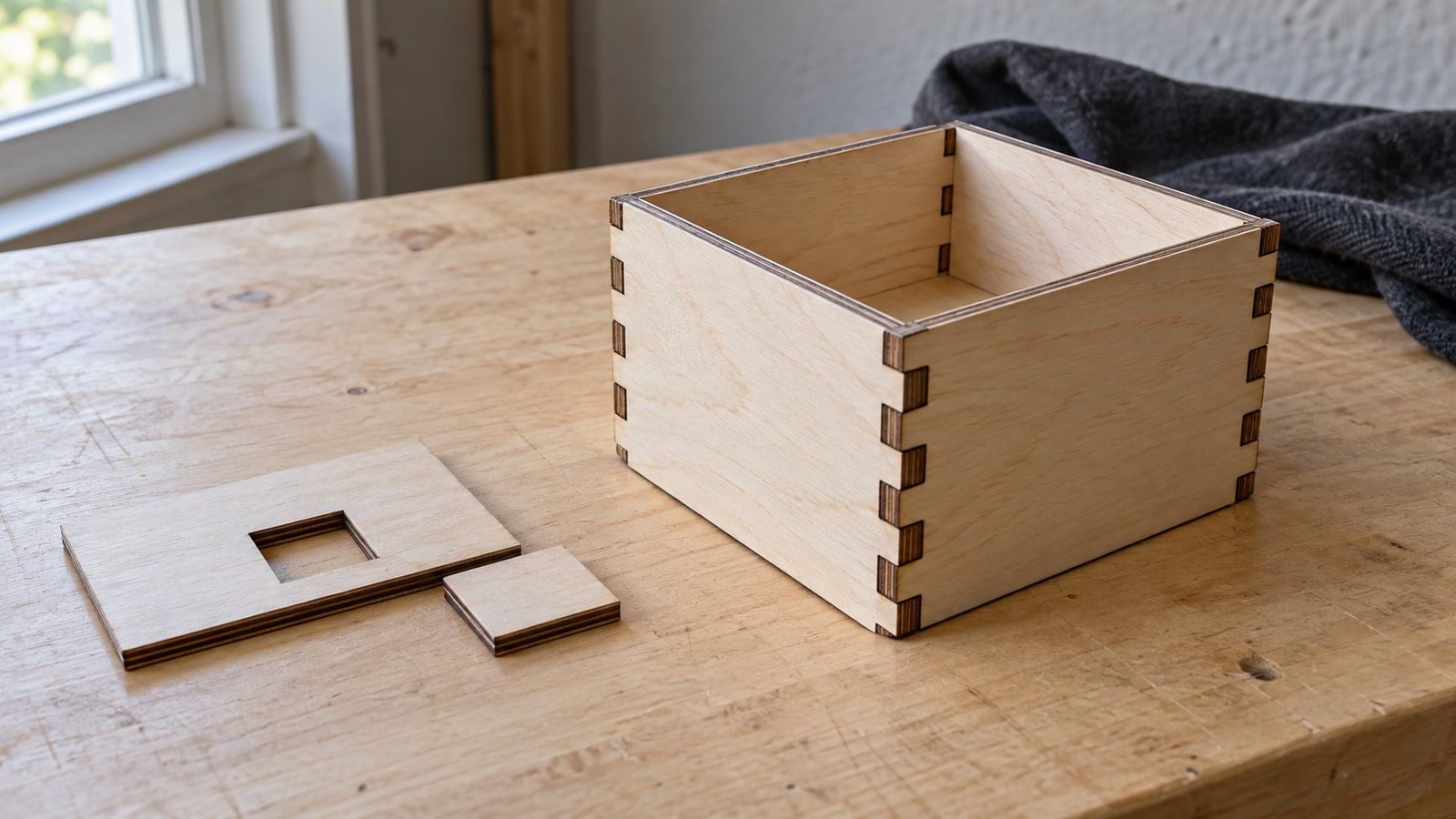
| Laser cut or engrave wood, acrylic, leather | SVG |
| Engrave slate coasters | SVG |
| CNC route or carve a sign | SVG |
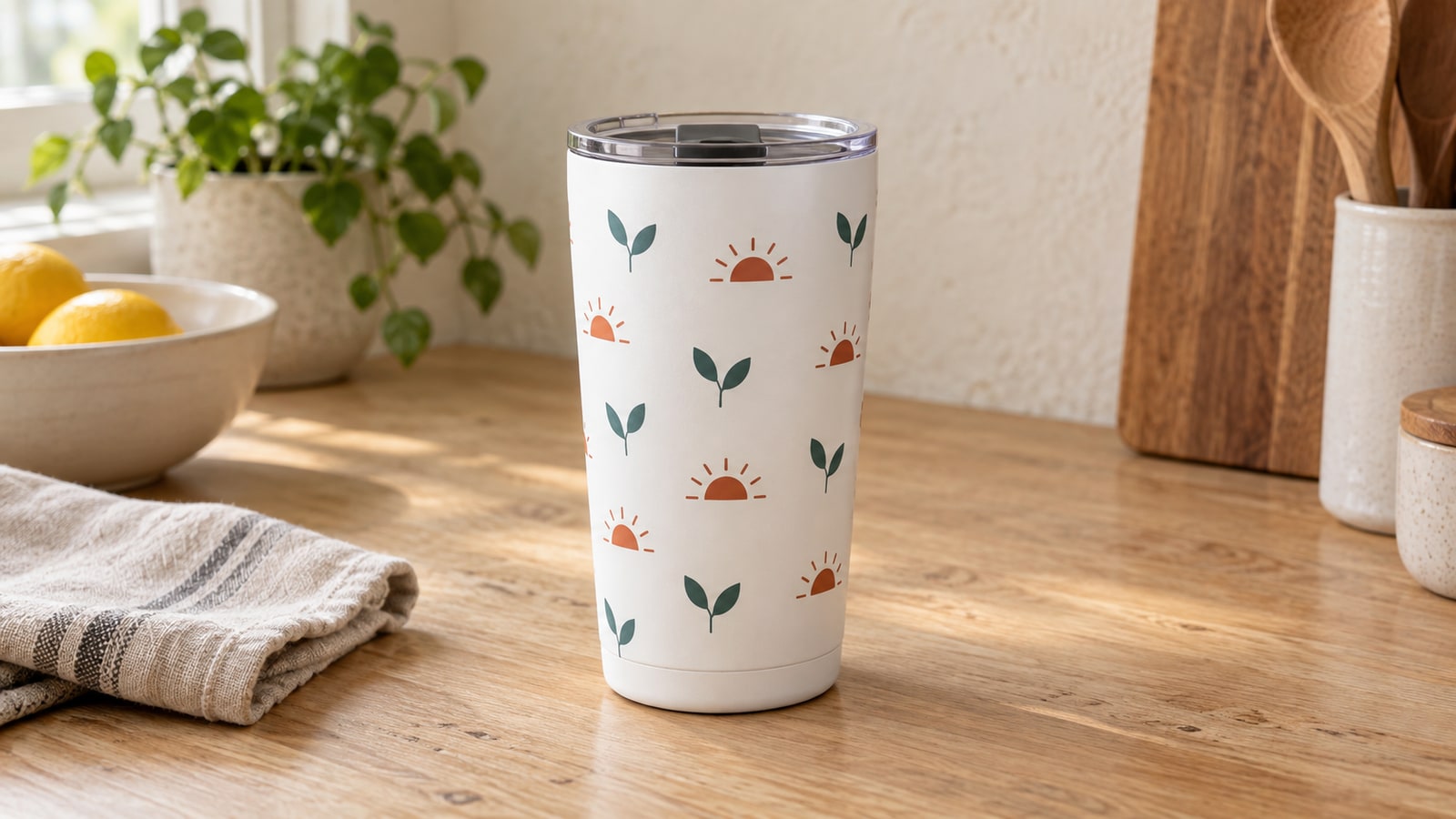
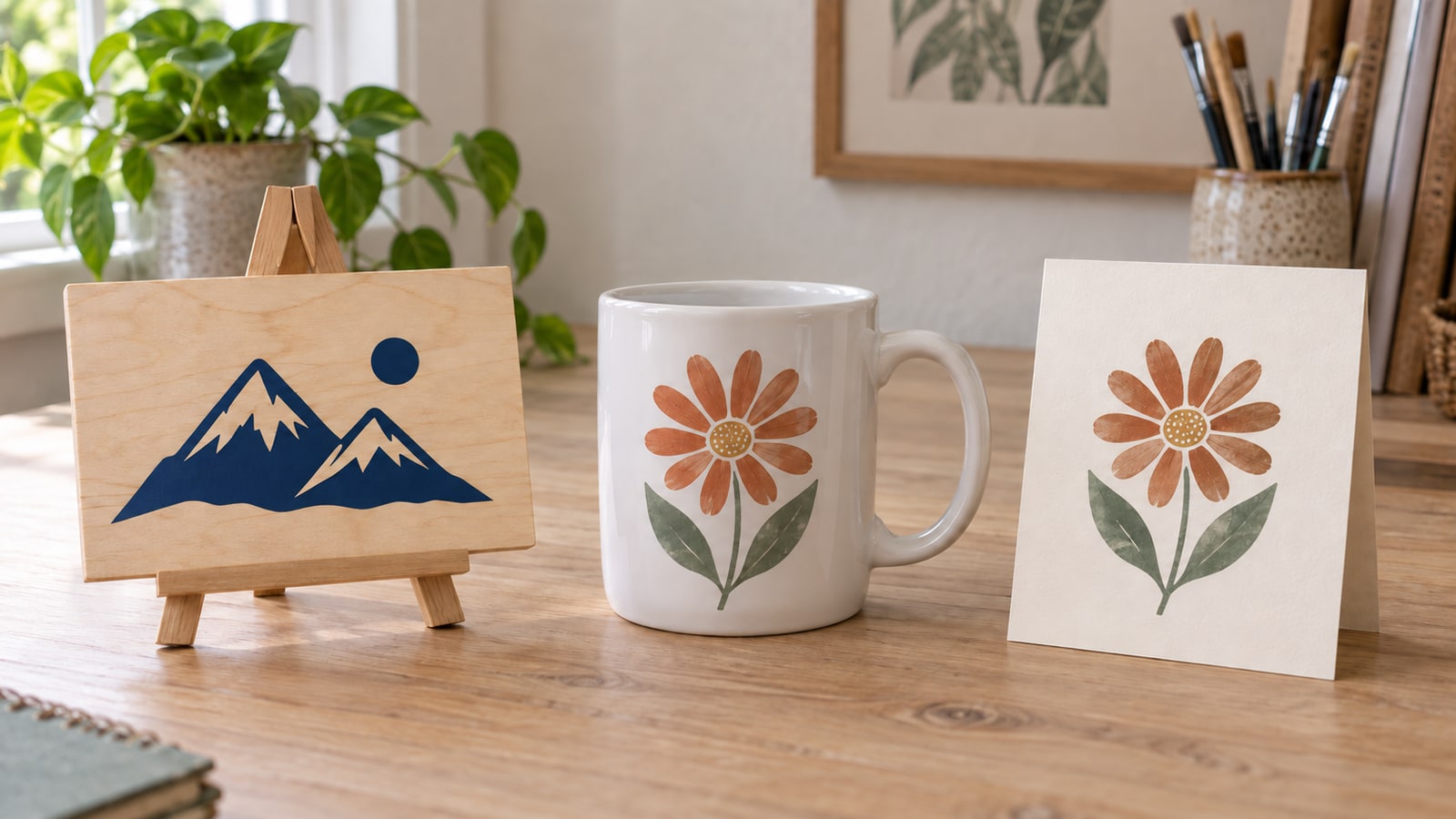
| Sublimate a mug, tumbler, or shirt | PNG |
| Print Then Cut stickers | PNG |
| Print wall art at home | PDF or PNG |
| Send to a professional print shop | |
| Hand off to a designer in Illustrator | EPS or SVG |
| Post a preview or mockup online | JPG or PNG |
| Edit the design first (colors, names, welding) | SVG |
SVG keeps editable paths available. PNG supplies pixels; PDF can preserve a page with vectors, pixels, and text. Photo engraving, 3D carving, and software-specific import restrictions are the main exceptions to the table.
The quick answer by machine
Cricut. SVG is convenient for cutting paths. For Print Then Cut, import a PNG or flatten supported SVG artwork; a separate printer makes the printed sheet before the Cricut cuts it. The Print Then Cut guide covers that workflow.
Silhouette. Same logic, one licensing wrinkle: the free edition of Silhouette Studio does not open SVG files, so SVG cutting requires the Designer Edition upgrade. Until you have it, the PNG covers print jobs.
Laser. SVG. LightBurn, the Glowforge app, and xTool Creative Space all import it directly, and vector paths are what let you assign separate cut, score, and engrave operations to different parts of a design. A PNG can be engraved directly as a raster image. It needs a traced or separately drawn vector boundary if you also want to cut around it.
CNC. SVG again. CAM software like Carbide Create, Easel, and VCarve turns the vector outlines into toolpaths. For 3D relief, compatible CAM software can also interpret grayscale pixels as a height map and calculate the required toolpaths.
Sublimation. A high-resolution PNG is convenient, with transparency when you need to place artwork over other elements. Supported SVG or PDF files can also be printed by software that renders them. The press transfers the printed dye; it does not read a file format. The sublimation guide walks through it.
 Home Sweet Home Signs30 designs, commercial license included$3.99
Thirty seconds on each format
SVG is the master format, a set of mathematical paths that scale to any size with zero quality loss. It is what we build first; every other file in your pack is exported from it. Cutting, engraving, carving, and editing all start here.
PNG stores pixels and can include transparency, useful for sublimation layouts and Print Then Cut. Its one limit is resolution: pixels are a fixed budget, and enlarging past it turns the design soft. When you need something big, that is the SVG's job.
JPG stores compressed pixels without transparency; its background can be any color. It is useful for previews, photographs, and supported raster engraving, though compression artifacts can affect fine detail.
PDF preserves a page layout and can contain vectors, images, and text. Prepare it to the print shop's specifications. Vector elements scale cleanly; image resolution, font handling, and color settings still matter.
EPS is the professional holdover. Illustrator, CorelDRAW, and commercial print workflows have supported it for decades. Most crafters never open it, and we include it precisely for the day someone asks.
What about DXF?
DXF comes up in two places: older Silhouette workflows, since the free edition of Silhouette Studio opens DXF even though it will not open SVG, and CAD-leaning CNC software. It is a vector format like SVG, but from the engineering world, and it typically carries only bare outlines with no fills or colors.
Our packs do not include DXF, and for most crafters that never matters, because SVG has better support in modern craft software. If a program in your workflow insists on DXF, the conversion is quick and free: open the SVG in Inkscape and save a copy as DXF, or use Craftgineer's File Converter in your browser. Check units, curves, text, and closed boundaries after conversion. Vector-to-vector export can also change features that the destination format handles differently.
When in doubt, open the SVG
The tie-breaker rule is simple. For path-based artwork, keep the SVG master so you can resize, edit, or export again. Check every destination format rather than assuming all features survive conversion.
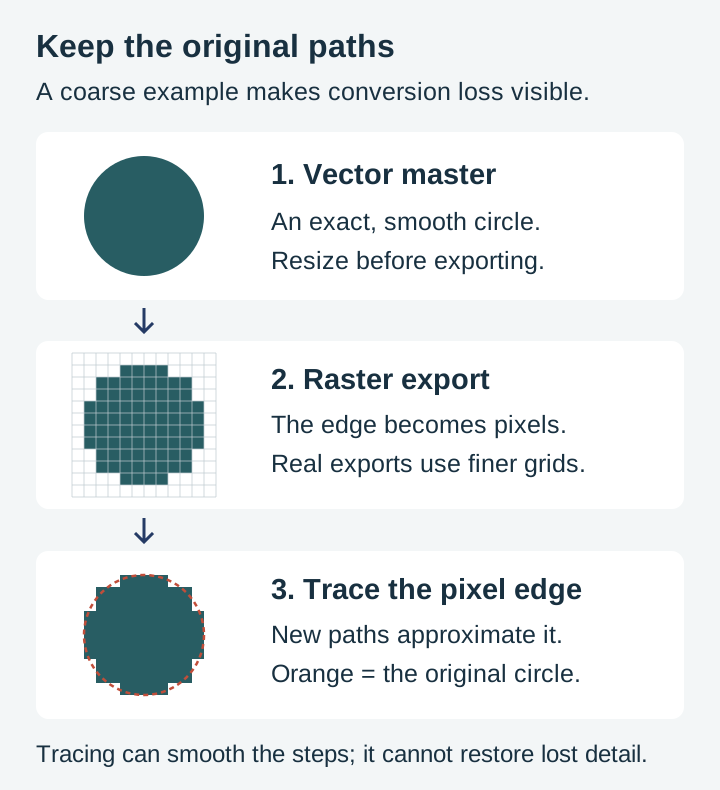
The reverse trip is the only expensive one. Turning pixels back into paths means auto-tracing, and traced edges are always an approximation of the original. That is the single conversion to avoid, and with all five formats already in your download, you never need it. For the mechanics of why, the format deep dive shows exactly what each conversion keeps and loses.
The decision is pre-solved in every pack
The reason we ship every design in five formats is so this choice never blocks a project. Cut the SVG for the sign today, sublimate the PNG onto a mug tomorrow, and hand the PDF to a print shop next month, all from the same $3.99 pack with the commercial license included.
 Coffee Bar Sayings Designs30 designs, commercial license included$3.99
 Mountain Sign Designs46 designs, commercial license included$3.99
If you are still getting oriented with cutting files in general, the beginner's guide to SVG files is the place to start. Otherwise, browse the full catalog, pick a pack, and open the folder that matches the row in the table. The right file is already waiting in it.
Designs for this project
Frequently Asked Questions
Which file format do I use with a Cricut or Silhouette?
SVG is a useful starting point for cutting; Silhouette Studio requires an edition that supports SVG import. For Print Then Cut, PNG works well, and supported SVG artwork can also be flattened. A separate printer prints the image and the cutting machine cuts its boundary.
What file format does sublimation need?
A sufficiently large PNG is convenient, especially for transparent backgrounds and compositing. Other formats can also work if your print software supports them. Standard sublimation inks do not print white, so a white background does not transfer as white ink.
What is a DXF file and do I need one?
DXF is a CAD-era vector format some cutting and CNC software accepts. Most craft software prefers SVG, and free tools like Inkscape can convert an SVG to DXF in the rare case a program demands one.
What should I send to a professional print shop?
Usually PDF, prepared to the print shop's specifications for page size, bleed, color, and fonts. Vector artwork can stay sharp when enlarged; embedded raster images still have a resolution limit.