Sublimation looks like magic the first time you see it: a dull, slightly reversed print on plain-looking paper goes into a press, and a minute later a mug comes out with color that looks factory-made and will not scratch off, because it is not on the surface at all. Then you sit down to try it yourself and immediately hit the questions. Why PNG and not SVG? Why polyester? Why did the whites turn out wrong?
This guide answers all of it: how sublimation actually works, why the PNG files in our design packs are the right ammunition for it, and the workflow for mugs, tumblers, shirts, and the rest of the blank catalog.
Tip
Short answer: sublimation needs a raster image, and a PNG with a transparent background is the ideal format. Print it mirrored on sublimation paper with sublimation ink, press it against a polyester or polyester-coated blank, and heat turns the ink to gas that dyes the coating itself. The PNGs included in every PrintCutCarve pack are ready for this as-is.
What Sublimation Actually Is
Sublimation is the physics term for a solid turning directly into a gas without passing through a liquid stage. Sublimation ink is engineered to do exactly that under press heat: the printed ink on the paper vaporizes, and the gas penetrates the surface it is pressed against.
The catch is what it can penetrate. At pressing temperature, polyester's polymer structure opens up enough for the gas to enter; when it cools, the structure closes and the dye is locked inside. That is why the result cannot peel, crack, or wash off. It is not a layer sitting on the material, the way vinyl or a printed transfer is. The color literally becomes part of the polyester.
It is also why the material rules are absolute. Sublimation works on polyester fabric and on hard goods coated with a polyester layer, which is what a "sublimation blank" is: a mug, tumbler, or coaster manufactured with that coating. Uncoated ceramic, plain cotton, and bare metal will not hold the ink, no matter how good your press technique is.
SVG vs. PNG: Which File Does What
Cutting machines want vectors; sublimation printers want pixels. That is the whole distinction, and it is why our packs ship both.
| Format | Role in sublimation |
|---|---|
| PNG | The workhorse. Raster, supports transparency, prints directly. Use this. |
| SVG | The editable master. Recolor, rearrange, or resize it, then export a fresh PNG. |
| JPG | Printable, but no transparency. Check for unwanted coloured or off-white backgrounds. |
| PDF and EPS | Print and vector exchange formats; not what sublimation software expects. |
A transparent PNG makes the artwork easy to place without an unwanted background. Standard sublimation inks do not print opaque white: both transparent areas and pure white areas leave the blank showing through. A JPG does not automatically create a white printed box, but a coloured or off-white background can add unwanted dye. Check the background and the print preview before pressing.
The SVG earns its keep the moment you want changes. Open it in Inkscape, which is free, recolor elements to match a customer request, then export a PNG at whatever pixel size the project needs. Because the SVG is vector, a 300 DPI export at mug-wrap size or tumbler-wrap size comes out equally crisp. This is also the answer to resolution anxiety: never upscale a PNG, just re-export from the SVG larger. Our format comparison guide goes deeper on all of this.
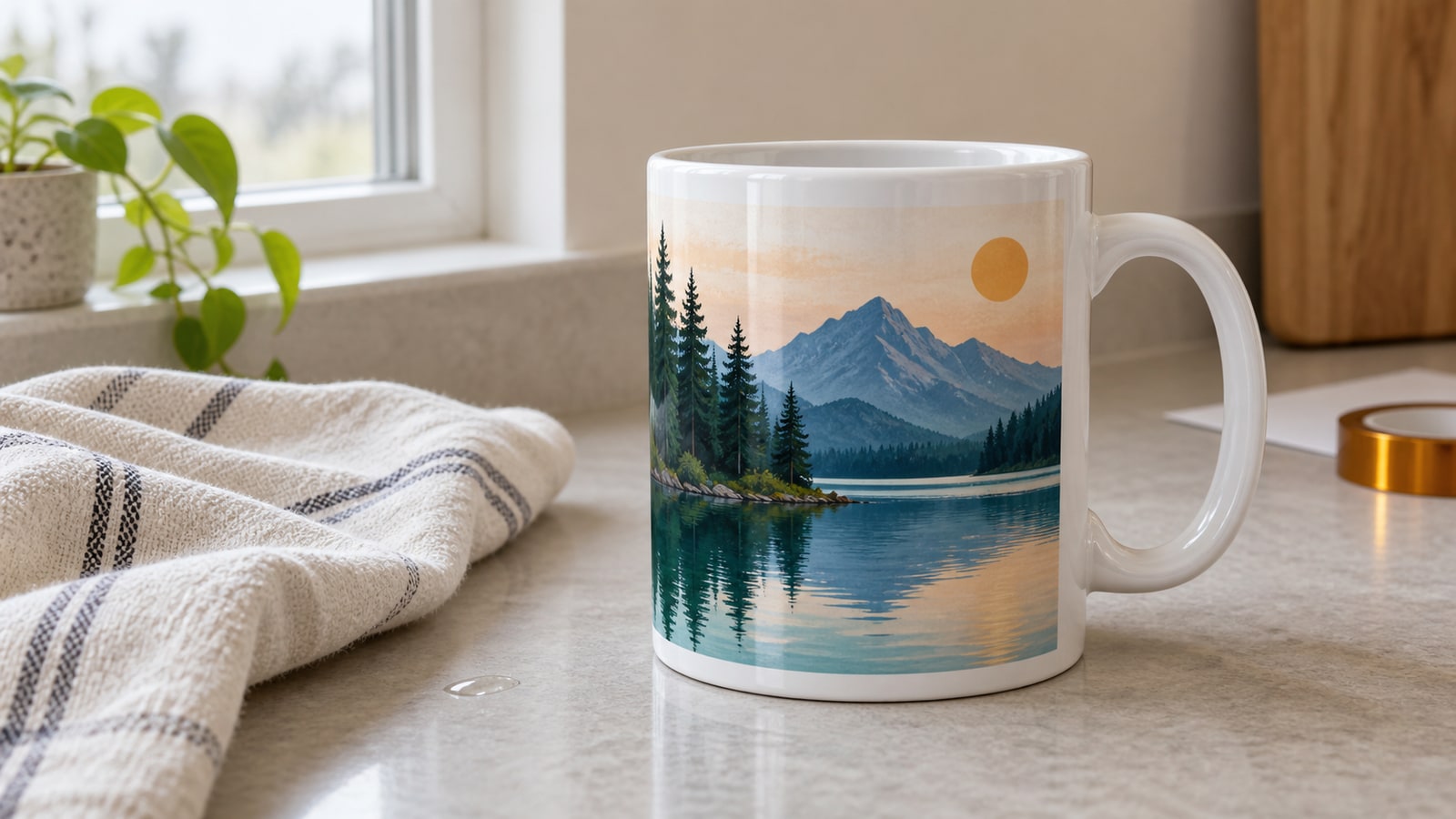
One color note from the file side: sublimation prints exactly what the file contains, including every subtle gradient. Our full-color scene designs are built with sublimation in mind, with rich color and detail that a cutting workflow could never reproduce.
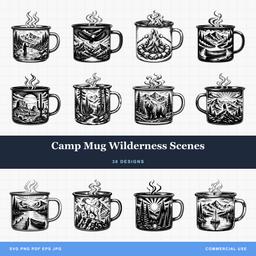 Camp Mug Wilderness Scenes30 designs, commercial license included$3.99
The Equipment, Honestly
Sublimation has a steeper entry cost than vinyl cutting, so it is worth knowing exactly what the pieces are before buying.
- Sublimation printer. Either a purpose-built sublimation printer or an Epson EcoTank-style inkjet filled with sublimation ink from day one. The critical rule: a printer that has ever run regular ink cannot simply switch, so the conversion decision happens at purchase.
- Sublimation ink. The special dye ink that vaporizes under heat. Regular pigment ink pressed onto a blank does nothing.
- Sublimation paper. Coated to hold ink on the surface and release it cleanly under heat. Print on the bright white coated side.
- A press that fits your product. A flat press covers shirts, coasters, and ornaments. Mugs need a mug press with a curved heating band, and tumblers need a tumbler press or the shrink-wrap-and-convection-oven method. Combo presses with swappable attachments exist for people who want to do all of it.
- Heat-resistant tape and gloves. The tape holds paper tight against the blank so the image cannot ghost, and everything in this hobby comes off the press genuinely hot.
- Blanks. The coated products themselves. Buy from suppliers who explicitly sell sublimation blanks, because the coating is invisible and uncoated lookalikes fail silently.
The Workflow, Step by Step
- Start with the PNG. Pull the transparent PNG from your design pack, or export one from the SVG at the size you need.
- Size it to the blank. Blank suppliers list the printable area for each product, and mug and tumbler templates from your blank's supplier take the guesswork out of wraps. Size the design in your print software to match that listed area.
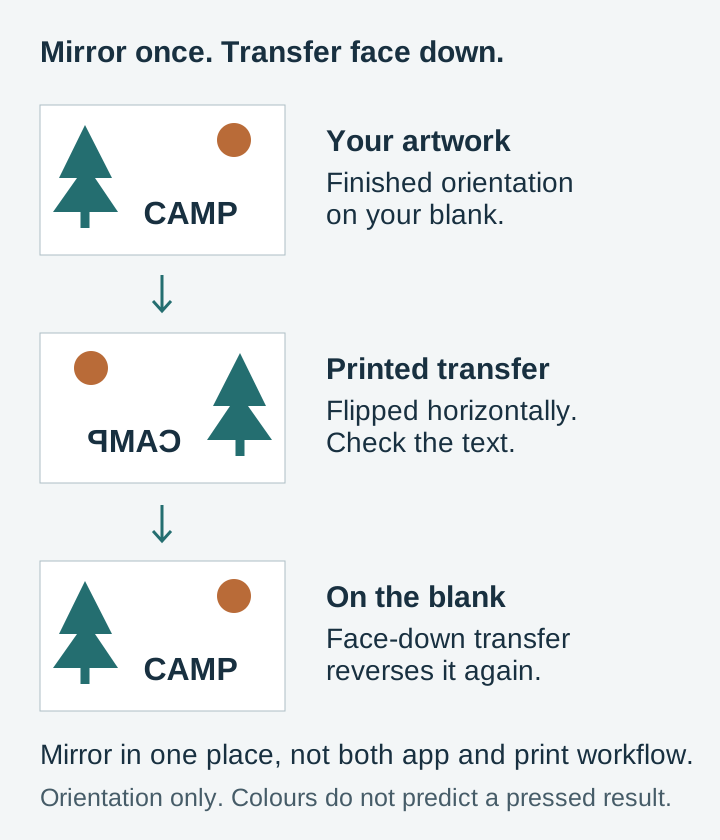
- Mirror before printing. The paper presses face-down against the blank, so the print must be reversed. Any design with text makes this obvious; symmetrical designs hide the mistake until you notice the one asymmetric detail.
- Print at the printer's highest quality, with the ICC color profile for your ink and paper if the vendor provides one. Profiles are the difference between the colors you chose and a random approximation.
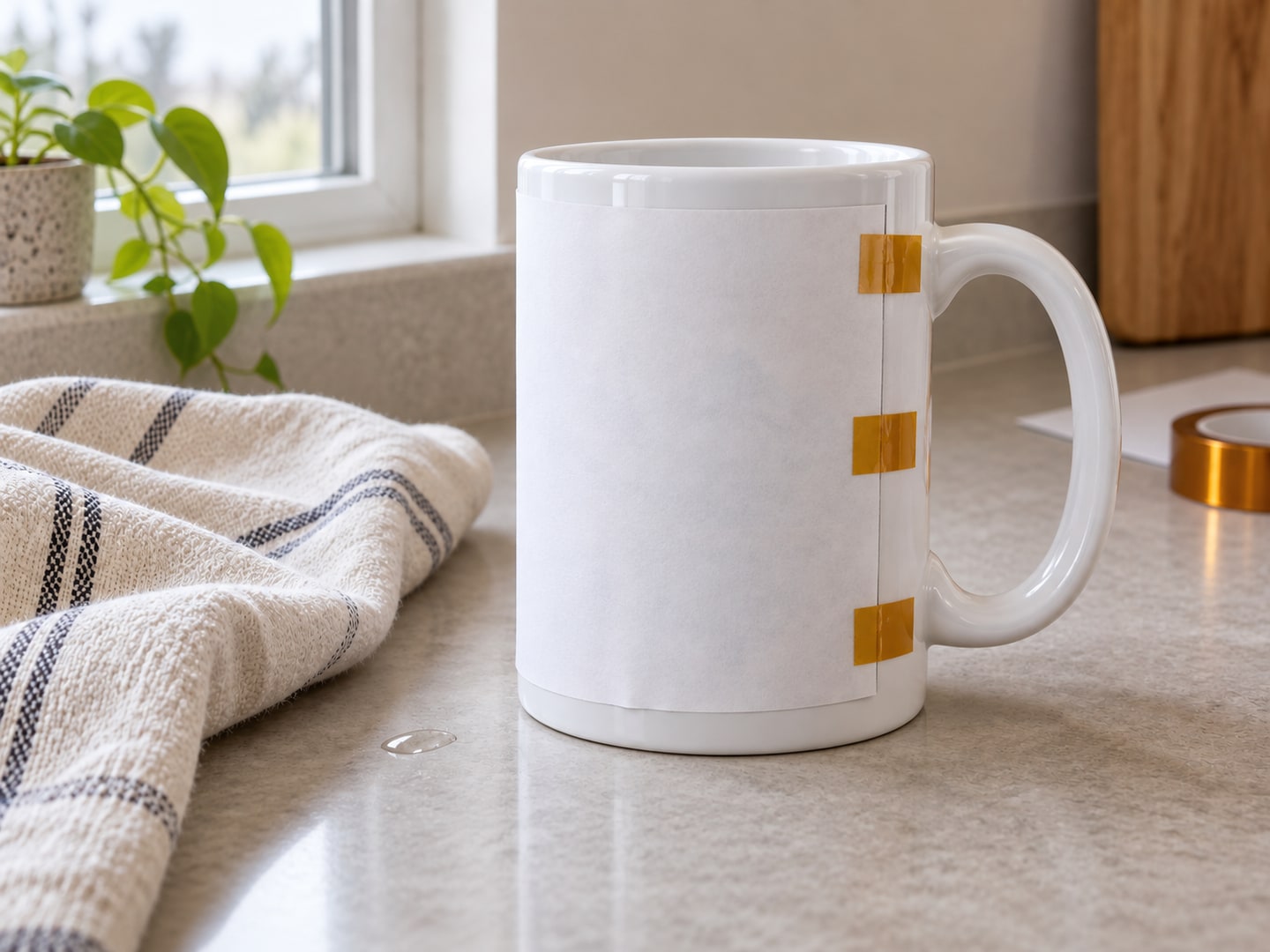
- Tape the paper printed-side-down against the blank, pulled tight and taped so it cannot shift. Any air gap or movement shows up as ghosting or faded patches.
- Press using the times and temperatures your blank and paper suppliers state. Coatings and papers genuinely vary between suppliers, which is why the instructions that ship with your specific blanks are the authoritative numbers, and why we do not print a settings table here. Treat the supplier's figures as the starting point and adjust from your own results.
- Remove the paper promptly and carefully. Sliding the paper across the hot surface smears the still-active ink. Lift it straight off, ideally in one motion, and let the blank cool.
The transformation at step 7 is the payoff: the dull print becomes saturated, glossy color that is inside the coating, ready to be dishwasher-tested with confidence once cooled.
What the Popular Blanks Are Like
Mugs, 11oz and 15oz. The classic starting point, and the mug press makes them nearly foolproof. Full-wrap scenic designs shine here, and finished mugs are perennial craft fair sellers.
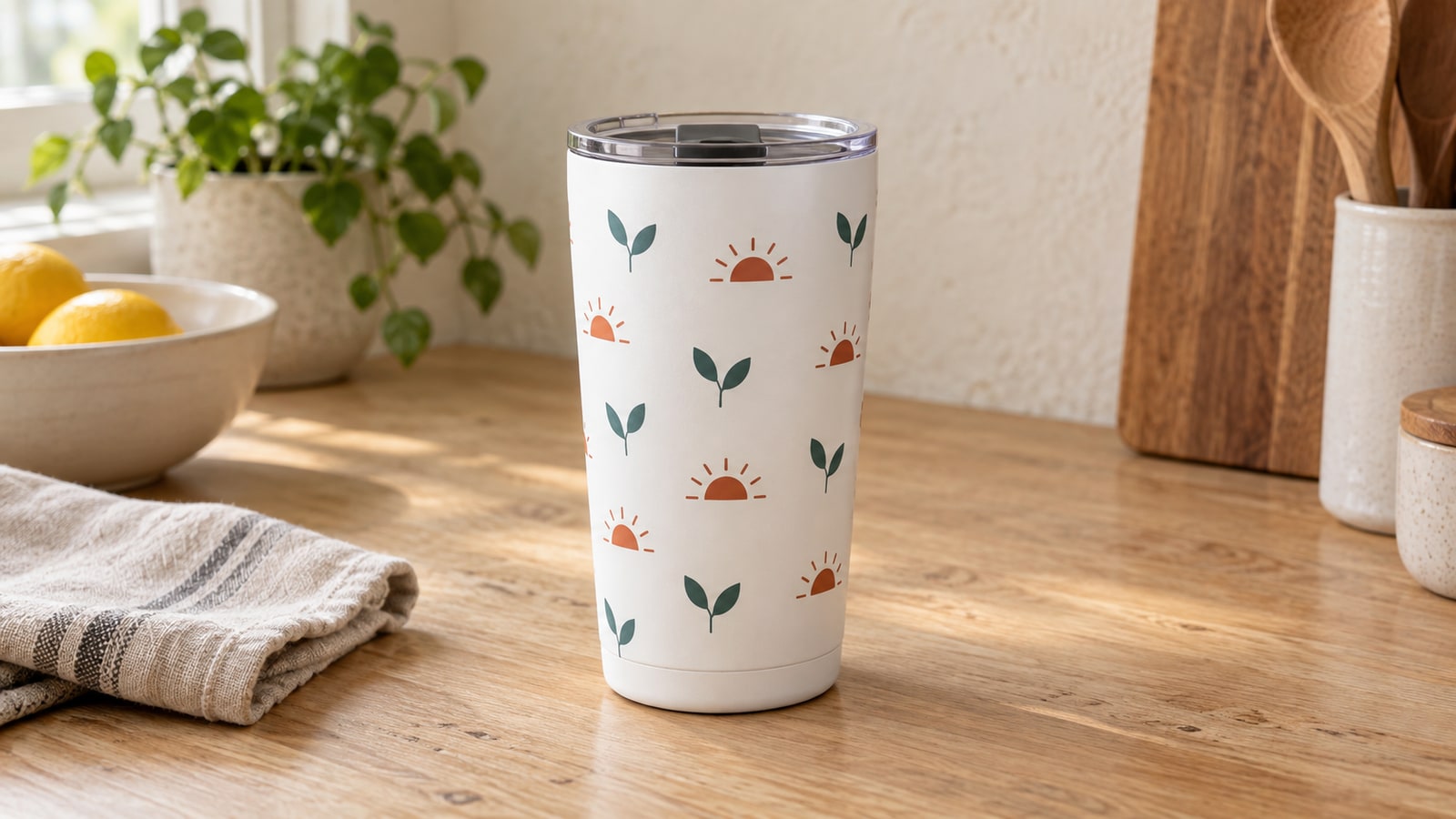
Skinny tumblers, 20oz. The current bestseller category. The full wrap is a big continuous canvas, so seamless and scene-style designs look spectacular, but wraps punish sloppy taping with visible seams and ghosting. Do a mug first, then graduate.
Polyester apparel. On white or light polyester shirts, sublimation produces a print with zero hand feel, since there is nothing sitting on the fabric. The limits are hard ones: polyester content determines vibrancy, and there is no white ink, so light shirts only.
Coasters, ornaments, and phone cases. Small, cheap to practice on, and excellent products to sell in sets. Ornaments in particular pair well with personalization: add a name in the SVG, export the PNG, press.
The white rule applies to all of them. Sublimation ink is transparent dye, and there is no white ink in the system. White areas of a design simply print nothing, letting the blank show through. This works beautifully on white blanks and means dark blanks are effectively off the table for standard sublimation.
Sublimation Plus Your Cutting Machine
The two crafts combine well, and the packs you already own serve both. Cut a shape from sublimation-coated blank sheet stock with the SVG, then press the matching PNG onto it. Or press a design onto a shirt and layer cut HTV accents over it, which is one way to get an opaque white element onto the design after all. If you also do Print Then Cut work, the same transparent PNGs drive that workflow too.
Selling What You Press
Sublimated goods sell well precisely because buyers cannot make them without the equipment. Every PrintCutCarve design is $3.99 and includes a commercial license: unlimited finished mugs, tumblers, shirts, and coasters, sold anywhere you like, with the main restriction being that the digital file itself is not yours to resell or share. Full terms are on our license page. You produce the goods; the license covers the rest. Our Etsy guide covers setting up shop.
These packs are particularly strong on drinkware and full-color pressing:
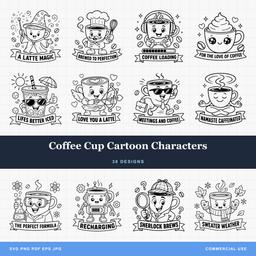 Coffee Cup Cartoon Characters30 designs, commercial license included$3.99
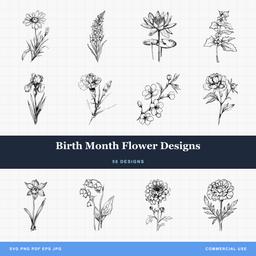 Birth Month Flower Designs50 designs, commercial license included$3.99
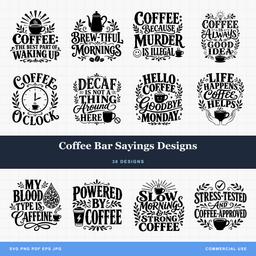 Coffee Bar Sayings Designs30 designs, commercial license included$3.99
Grab a PNG, mirror it, and press your first mug. The moment you peel that paper back is the moment this hobby gets you for good. The full design library has the transparent PNGs waiting in every pack.
Designs for this project
Frequently Asked Questions
Can I sublimate on cotton?
Not directly. Sublimation ink bonds with polyester, so it washes straight out of cotton fibers. You need polyester or a high-polyester blend for apparel, or a polyester-coated blank for hard goods. Workarounds exist, like sublimating onto a polyester-based transfer sheet that then adheres to cotton, but plain cotton alone will not hold the ink.
Why did my sublimation colors come out dull?
The usual suspects are an under-cooked transfer from too little heat or time, printing on the wrong side of the paper, a blank without a proper polyester coating, or missing ICC color profiles. The print on paper is supposed to look dull; the color only becomes vivid when heat turns the ink to gas and drives it into the coating.
Can I use SVG files for sublimation?
Not directly, since sublimation printers need raster images. But every PrintCutCarve pack ships the same designs as high-resolution transparent PNGs, which are exactly the sublimation format. The SVG remains useful too: open it in free software like Inkscape to recolor or resize, then export a PNG at any resolution you need.