The machine is set up, the sample projects are done, and now comes the question that stalls more laser owners than any technical problem: what should I actually make? A good project idea needs a material you can source, artwork that suits it, and ideally something people want to buy or receive.
Here are ten directions worth taking, each matched to the kind of design file that makes it work. Every one of these starts from an SVG, which is exactly the sort of thing we spend our days drawing.
Tip
Start here: slate coasters, engraved cutting boards, and acrylic keychains are the three projects with the cheapest blanks, the fastest turnaround, and the widest buyer base. Pick one material you can buy locally and build a small product line from a single design pack before adding a second material.
1. Slate Coasters
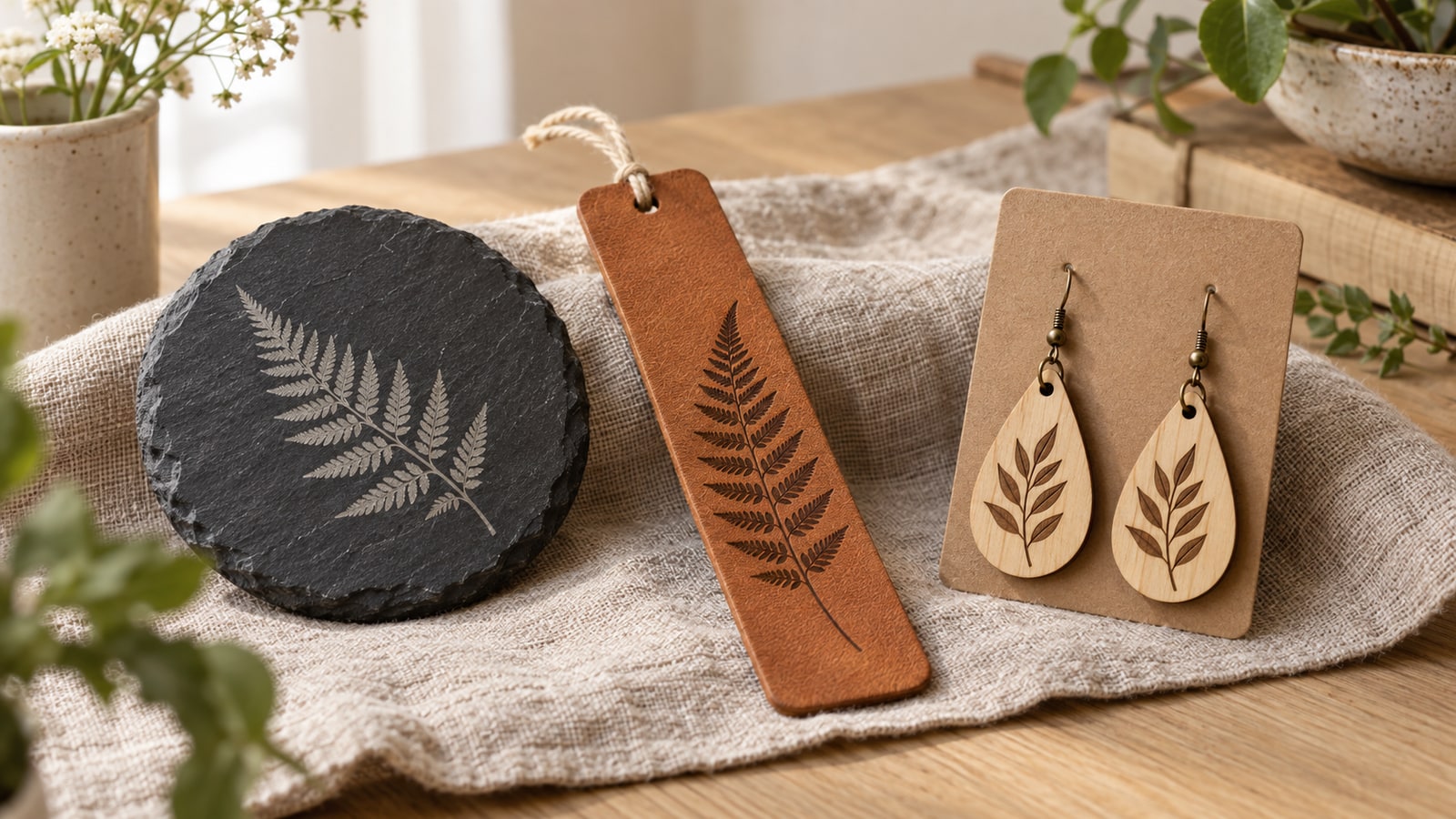
Natural slate gives the most dramatic before-and-after of any engraving material. The laser fractures the dark surface into a pale grey mark, so the finished design looks almost painted onto the stone in light on dark. Stags, highland cows, and bold animal silhouettes are the classic look for a reason.
Because the mark is light on a dark surface, the artwork effectively renders in reverse, and designs drawn specifically for slate account for that. Run engravings on the gentler side: pushing power for extra contrast can chip the surface, and slate does not need the help.
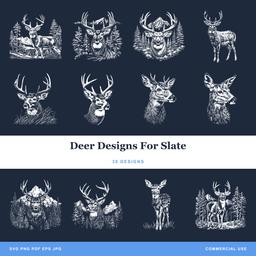 Deer Designs For Slate30 designs, commercial license included$3.99
2. Personalized Cutting Boards
Cutting boards are a perennial best-seller and one of the most-requested wedding and housewarming gifts. Engrave a family name frame, a kitchen saying, or a recipe-style design onto bamboo or maple, and position the artwork toward the top or a corner so daily knife work happens away from it.
Sayings-style designs carry this category. A board with a well-set phrase needs no other decoration, and one blank plus one design pack yields a whole product line.
One file detail decides whether a board looks professional. Lettering engraved as an outline reads as a hollow, wobbly trace on bamboo; lettering built as filled closed paths burns as solid characters. Workspace wireframe alone does not tell you the intended operation. Check closed boundaries, layer settings, and Preview; deliberate outline lettering can also be a valid engraving style.
3. Wooden Signs and Wall Art
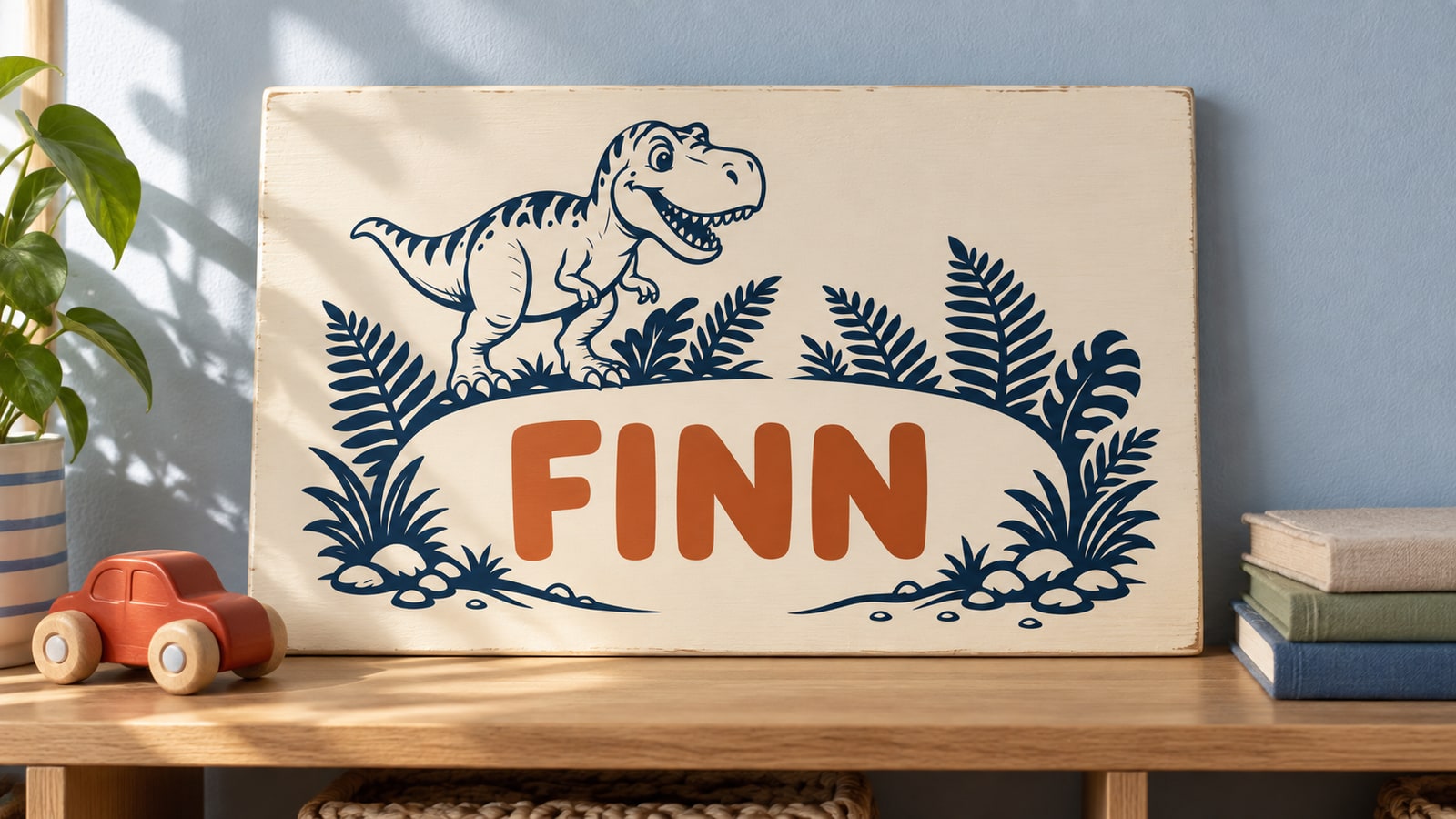
From farmhouse welcome signs to detailed wildlife scenes, wood signs remain the backbone of laser crafting. Basswood and Baltic birch take crisp, even engravings, and a deep-detail design like a layered mountain or forest scene turns a plain board into cabin wall art.
If species choice is holding you up, our best wood guide breaks down which boards engrave cleanly and which fight you.
4. Acrylic Keychains and Ornaments
Cast acrylic engraves to a frosted white that catches light, and cuts into keychains and ornaments by the sheet-full. Simple silhouettes work best at this scale: they cut cleanly and stay readable at two inches wide. Clear acrylic on an LED base turns the same engraving into a glowing night light.
The full material rundown, including why cast beats extruded and what diode lasers can and cannot do with clear sheet, is in our acrylic guide.
5. Leather Journals and Bookmarks
Suitable vegetable-tanned leather can take a dark surface mark; deep debossing is a different process and is not the required appearance of laser engraving. A single centered design turns a blank journal into a premium gift, and bookmark blanks use up the offcuts. Knotwork and ornamental patterns are especially at home on leather.
One safety line: only laser leather you can verify is veg-tanned. Our leather engraving guide covers the material rules and more project ideas.
6. Tile Trivets
Compatible ceramic tiles and a marking product intended for your laser can make decorative coasters or trivets. Follow that product's preparation and cleanup instructions. Heat resistance, food-contact suitability, and dishwasher durability need verification for the actual coating and tile; appearance alone cannot establish them.
Botanical and floral designs are the crowd favorites here, and the round-medallion format suits the square tile beautifully.
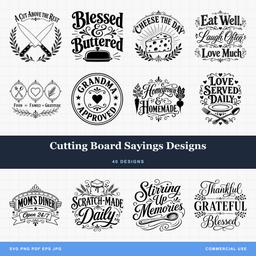 Cutting Board Sayings Designs40 designs, commercial license included$3.99
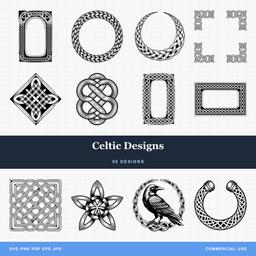 Celtic Designs50 designs, commercial license included$3.99
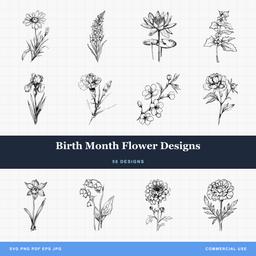 Birth Month Flower Designs50 designs, commercial license included$3.99
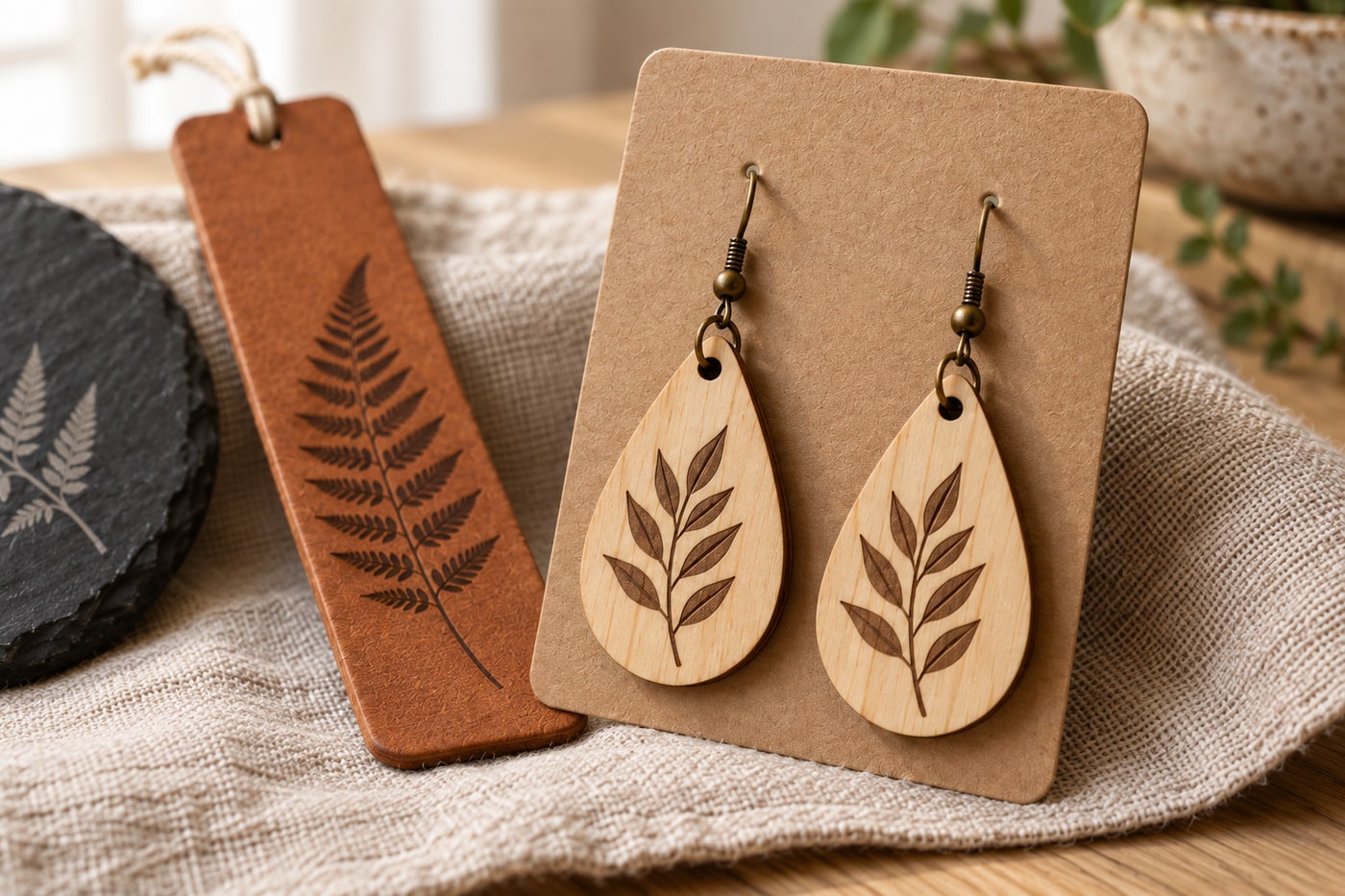
7. Wooden Earrings and Jewelry
Thin birch plywood, around 1/8 inch, cuts into lightweight earrings that can be stained, painted, or left natural. Geometric shapes, leaves, and small animal silhouettes sell steadily at markets, and a full sheet yields dozens of pairs. Keep outlines simple so the pieces survive cutting and daily wear.
8. Glass Etching
A CO2 laser does not carve glass so much as frost it: the beam micro-fractures the surface into an elegant etched finish. Wine glasses, mason jars, and glass boards all take the effect well, and wedding sets are the obvious sellers. Curved glassware needs a rotary attachment to stay in focus while it turns.
Glass is unforgiving of fine detail in a way wood is not, because the frosted mark has soft edges. Anything under about a millimetre of line width blurs into its neighbour, so bold designs and clean lettering beat delicate shading every time. Our Wine & Friends Designs pack is the reliable seller here, and its chunky lettering is exactly what glass wants.
9. Tool and Equipment Labels
Not everything has to be giftware. Engraved labels on anodized aluminum tags, wooden tool handles, and acrylic drawer fronts bring order to a workshop, and the Dad's Workshop & Tools pack makes the organizing feel less like admin. These also make sneaky-good gifts for the dad or grandpa who claims to need nothing.
Anodized aluminum is worth singling out because a diode laser can mark it. A compatible laser can change the anodized surface to create contrast without necessarily stripping it to bare metal. The result depends on the finish and laser wavelength. It is one of the few metal-adjacent jobs a hobby machine handles honestly.
10. Photo-Style Engravings on Wood
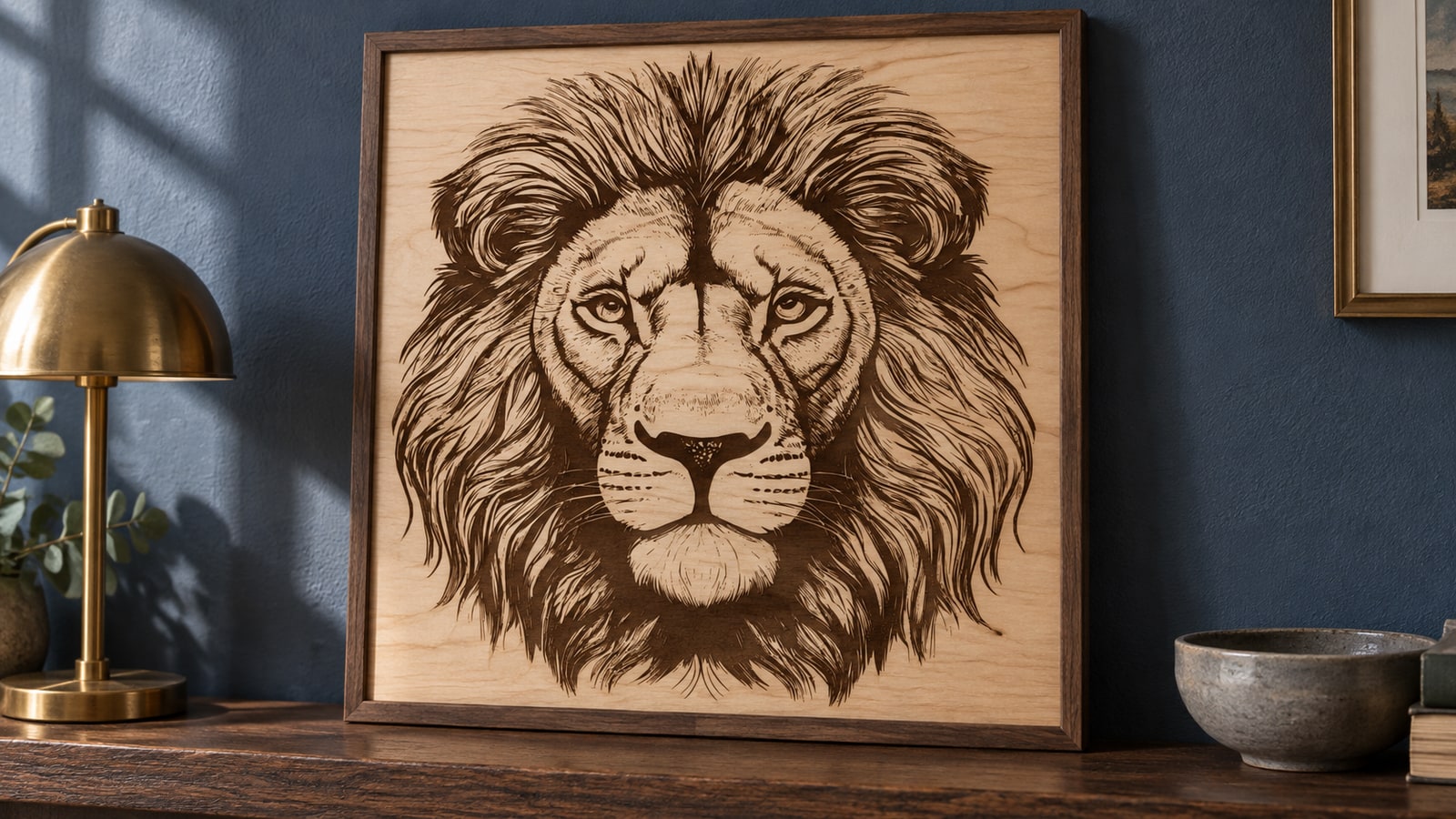
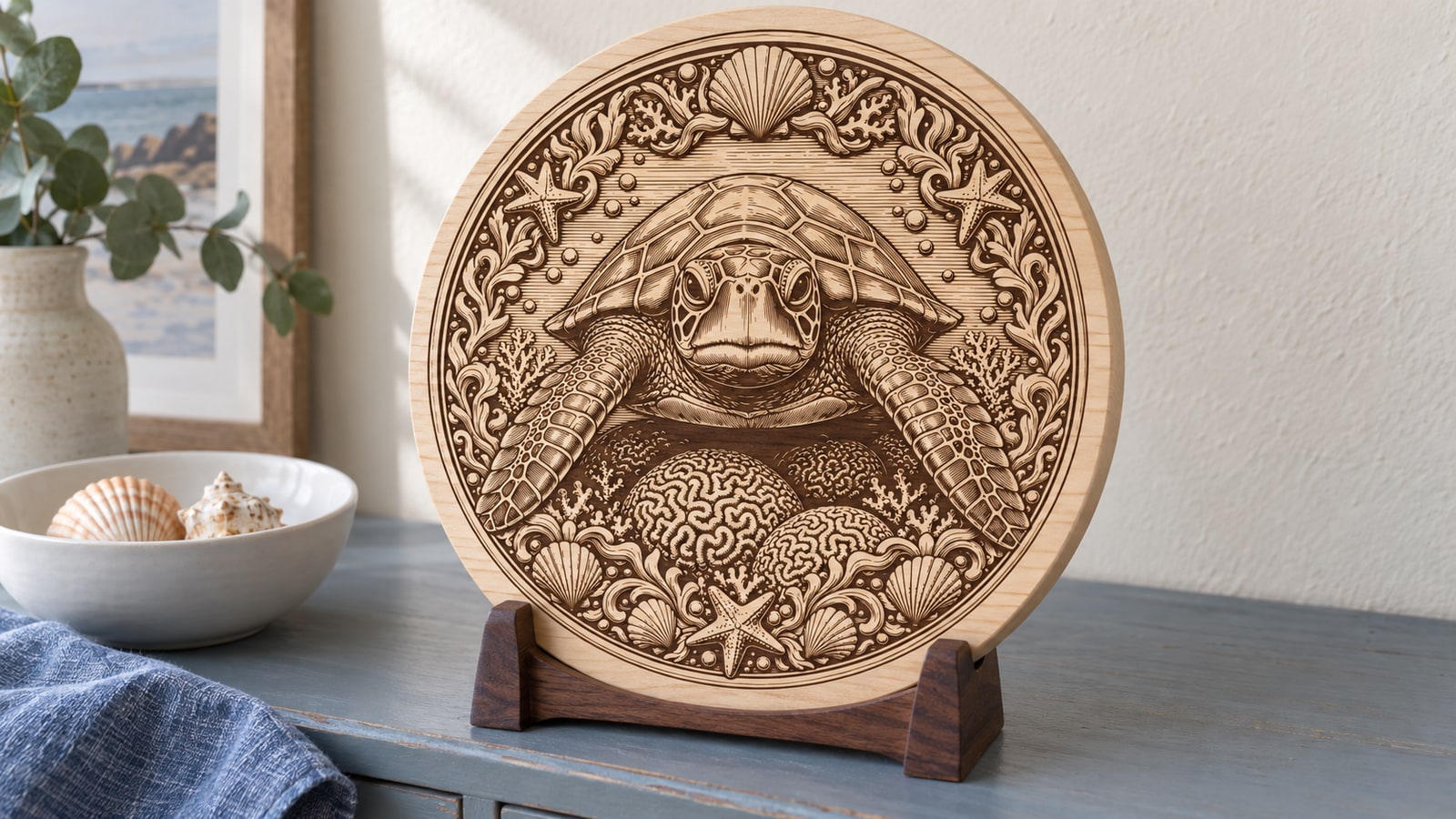
Detailed shaded designs engrave on pale wood with almost photographic depth. Wildlife artwork with real fur texture and layered shading is the showcase piece of this technique: run it large, on fine-grained wood like basswood or maple, at high resolution. This is where a deeply detailed file earns its keep, because the laser reproduces every line the artist drew.
Grain is the variable people underestimate. Wood engraves at different rates through soft early growth and hard late growth, so a strongly figured board will stripe a smooth shaded area no matter how good the file is. Even-grained species keep the tonal transitions clean, which is exactly what a fur or feather study needs.
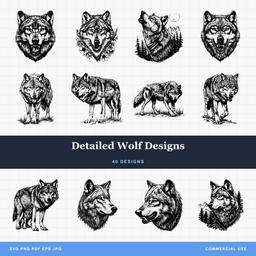 Detailed Wolf Designs40 designs, commercial license included$3.99
Which Project Fits Your Machine
Not every idea on this list suits every machine, and the honest constraints are worth knowing before you buy blanks.
| Project | Material cost | Diode friendly | Detail it can hold |
|---|---|---|---|
| Slate coasters | Low | Yes | Test detail at the final size |
| Cutting boards | Medium | Yes | High on bamboo and maple |
| Wooden signs | Low to medium | Yes | High on basswood and birch |
| Acrylic keychains | Low | Only with a compatible absorbing sheet | Medium, simple silhouettes |
| Leather goods | Medium | Yes on veg-tanned | High, leather takes fine lines |
| Tile trivets | Very low | Yes with marking spray | Medium to high |
| Wooden earrings | Very low | Yes | Low, keep outlines simple |
| Glass etching | Medium | No, CO2 territory | Low, bold artwork only |
| Metal tags | Low | Yes on anodized aluminum | Medium |
| Photo-style wood | Low | Yes, slower | Very high, needs a detailed file |
Clear acrylic generally calls for a suitable CO2 workflow. Cast acrylic can still be transparent to a blue diode, and color alone does not prove compatibility. Coatings may enable particular surface marks without making the sheet suitable for cutting. Check the machine and material manufacturer before buying blanks.
Getting the Best Results
A few habits apply to every project on this list:
- Test on scrap first. A two-minute test square beats a ruined blank every time.
- Start from clean files. Optimized SVGs with closed paths and real fills engrave smoothly; messy auto-traced files stutter and band.
- Match detail to size. Intricate designs need surface area to read. Shrink a dense design to keychain size and it turns to mud.
- Keep material flat and in focus. A warped board engraves light on the high spots.
- Clean the lens. Engraving quality quietly degrades as smoke residue builds up.
The size rule, spelled out
"Match detail to size" is easy to nod at and easy to ignore, so here is the practical version. Take the finished piece, find the narrowest gap between two lines in the artwork, and ask whether that gap will still be visible at final scale.
- Under 2 inches (keychains, charms, earrings): bold silhouettes and restrained interior detail are easier to read. Test the smallest gaps rather than assuming all detail will fail.
- 3 to 4 inches (coasters, ornaments, tags): a simple subject with a few interior lines, or clean lettering. This is where most projects live.
- 6 to 10 inches (signs, boards, plaques): texture, shading, and layered scenes finally have room to breathe.
- 12 inches and up (wall art, door hangers): full detail, and a good place to use the most intricate file you own.
The related trap is scaling a detailed file down instead of choosing a simpler one. Shrinking keeps every line and just squeezes them together, which is why a beautiful wolf study becomes a dark smudge on a coaster. Packs that ship both a detailed and a bold variant of the same subject exist precisely so you never have to make that compromise.
Pick a Project and Go
Every design in our catalog ships as SVG, PNG, JPG, PDF, and EPS for $3.99, with a commercial license included on every purchase, so anything you engrave from it is yours to sell. Browse the packs above, or start with whichever material is already sitting in your workshop.
New to working with cut files? Our beginner's guide to SVG files covers the basics before your first burn.
Designs for this project
Deer Designs For Slate30 designs, commercial license included$3.99Cutting Board Sayings Designs40 designs, commercial license included$3.99Detailed Wolf Designs40 designs, commercial license included$3.99Celtic Designs50 designs, commercial license included$3.99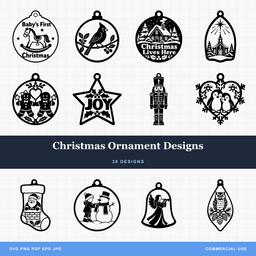 Christmas Ornament Designs38 designs, commercial license included$3.99Birth Month Flower Designs50 designs, commercial license included$3.99
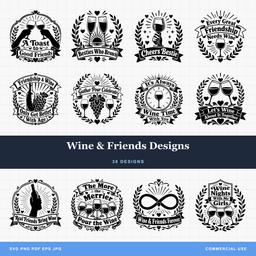 Wine & Friends Designs30 designs, commercial license included$3.99
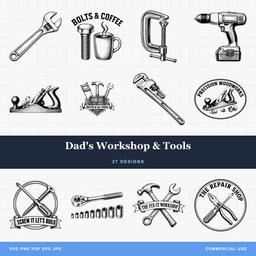 Dad's Workshop & Tools27 designs, commercial license included$3.99
Frequently Asked Questions
What is the easiest laser engraving project for a beginner?
Slate coasters. The blanks cost very little, the material is flat and forgiving, and the pale etch on dark stone gives a dramatic result from a simple bold design. Cutting boards and wooden signs are the natural next step once you are comfortable focusing and framing a job.
Can a diode laser do everything on this list?
No single diode setup covers every material here. Compatibility depends on wavelength, power, coatings, color, and the specific product. Blue diodes do not directly process clear acrylic like a CO2 laser, and cast acrylic alone does not solve that limitation. Check your machine and material guidance.