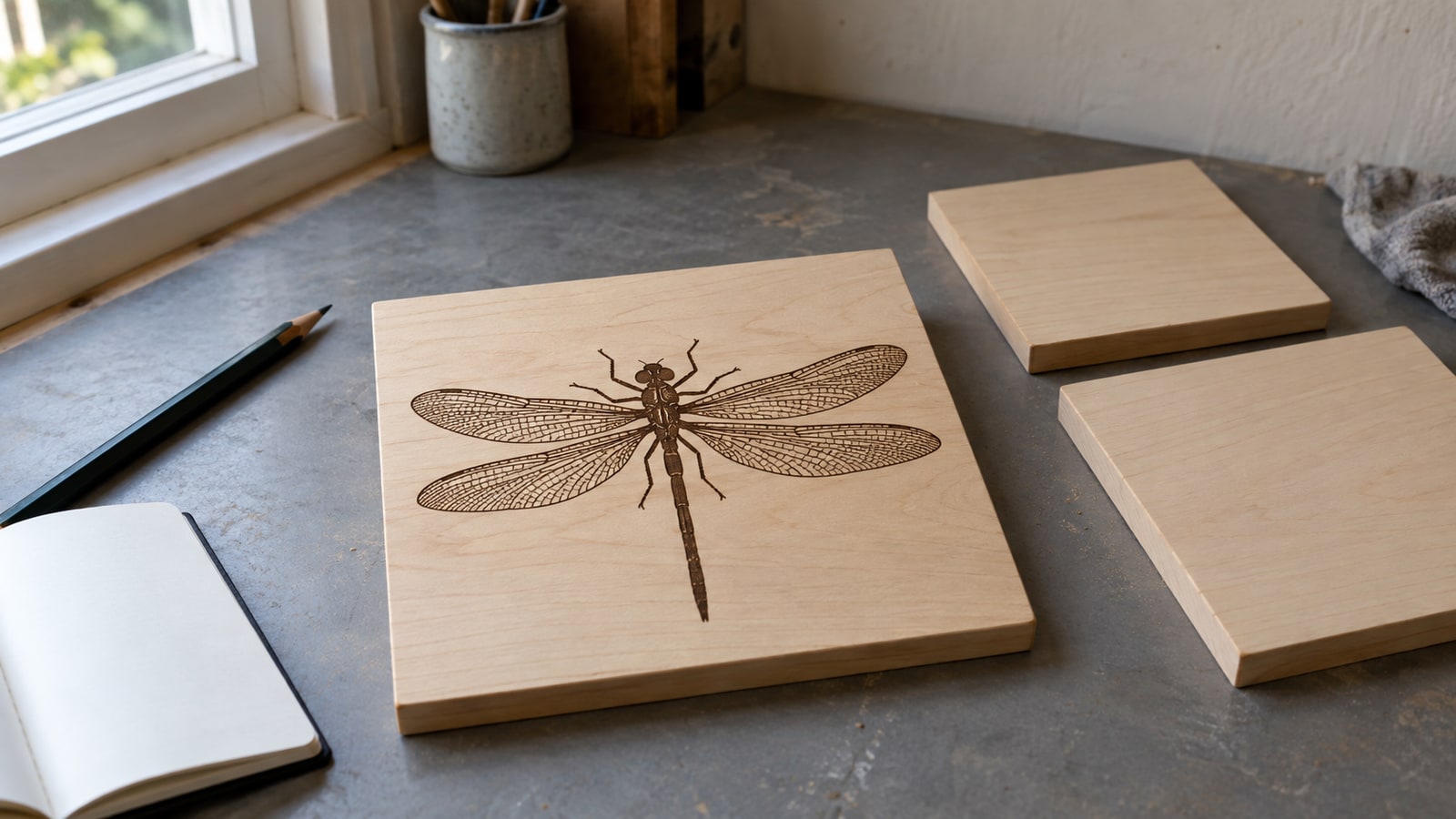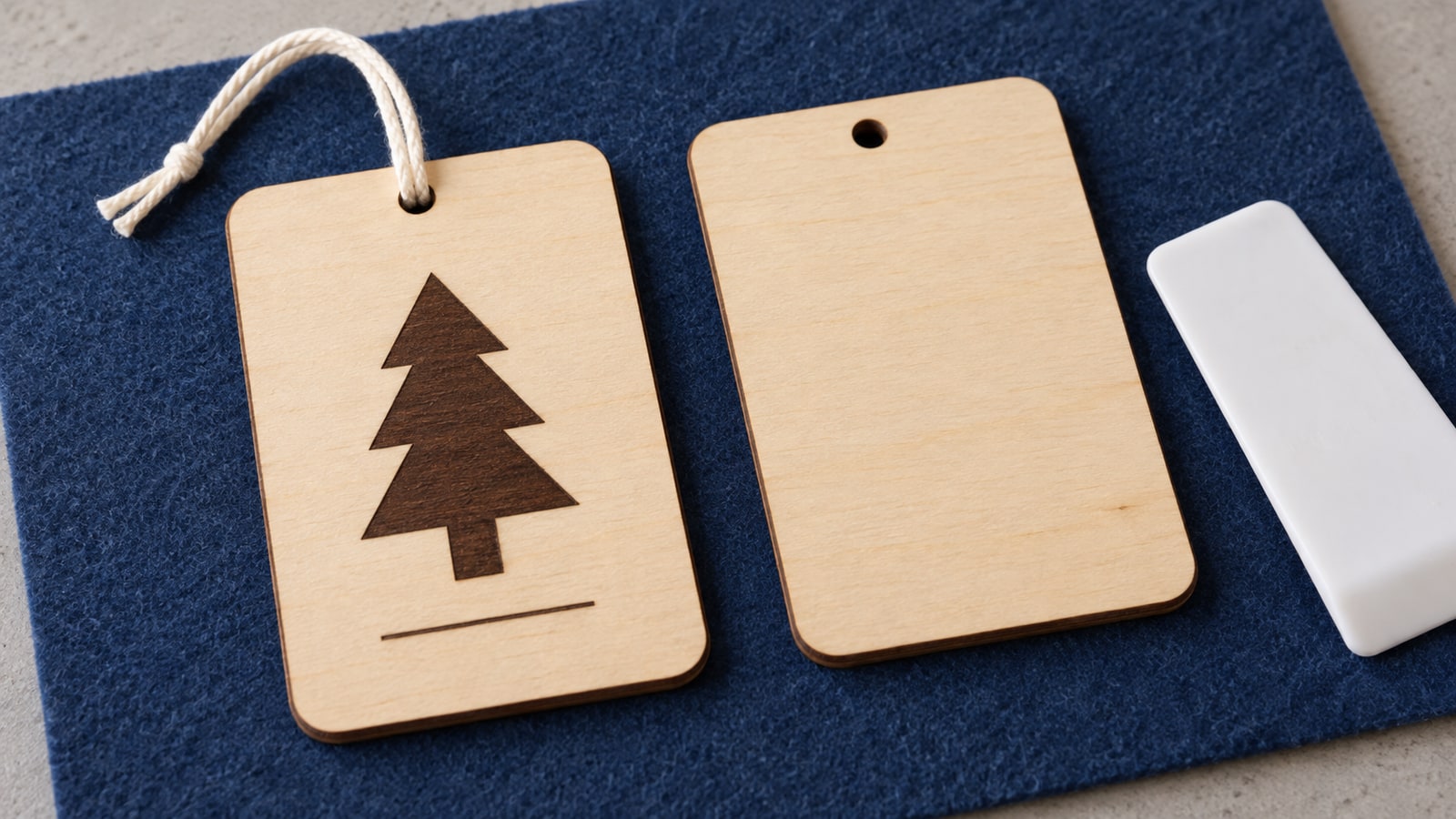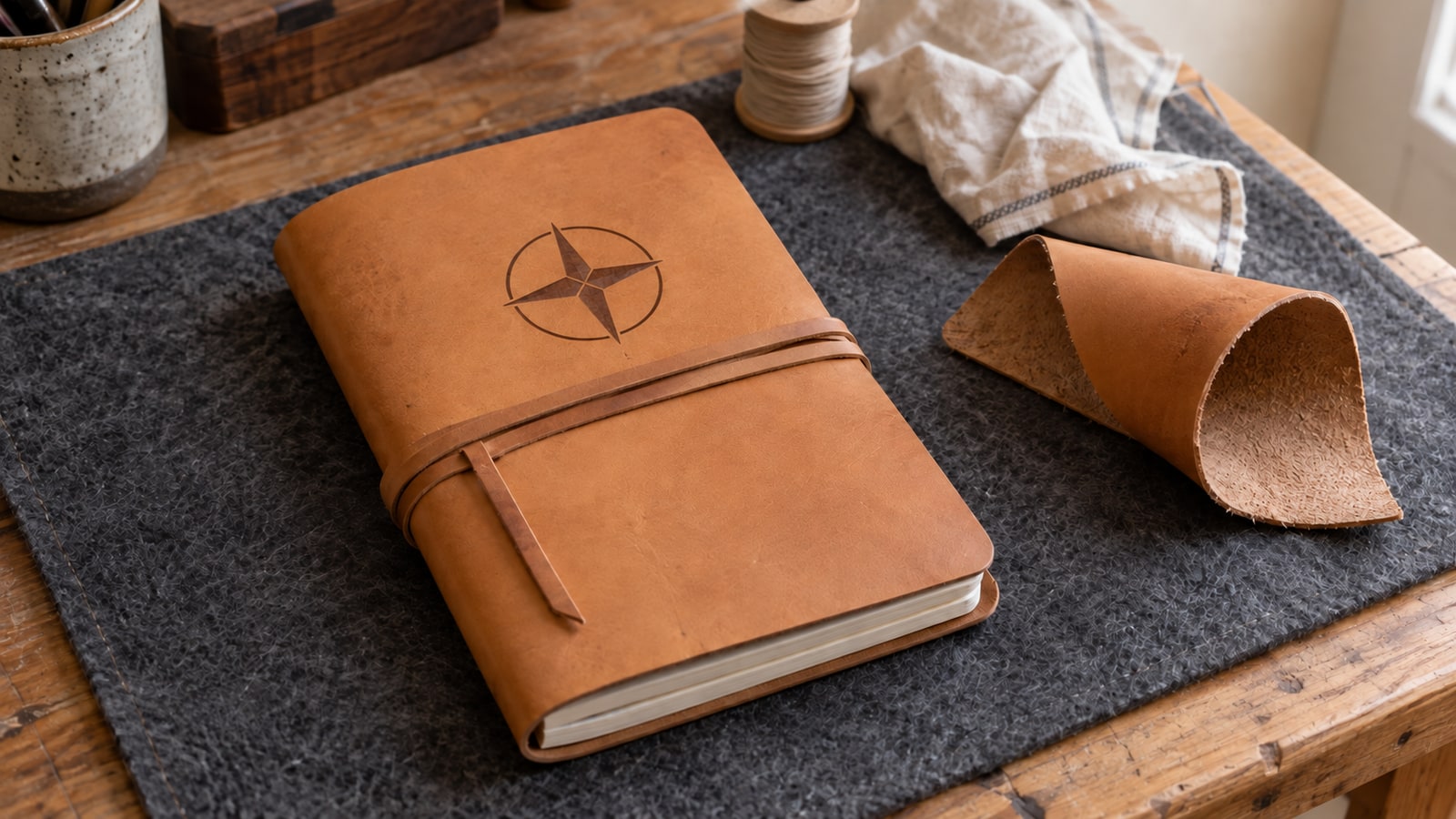
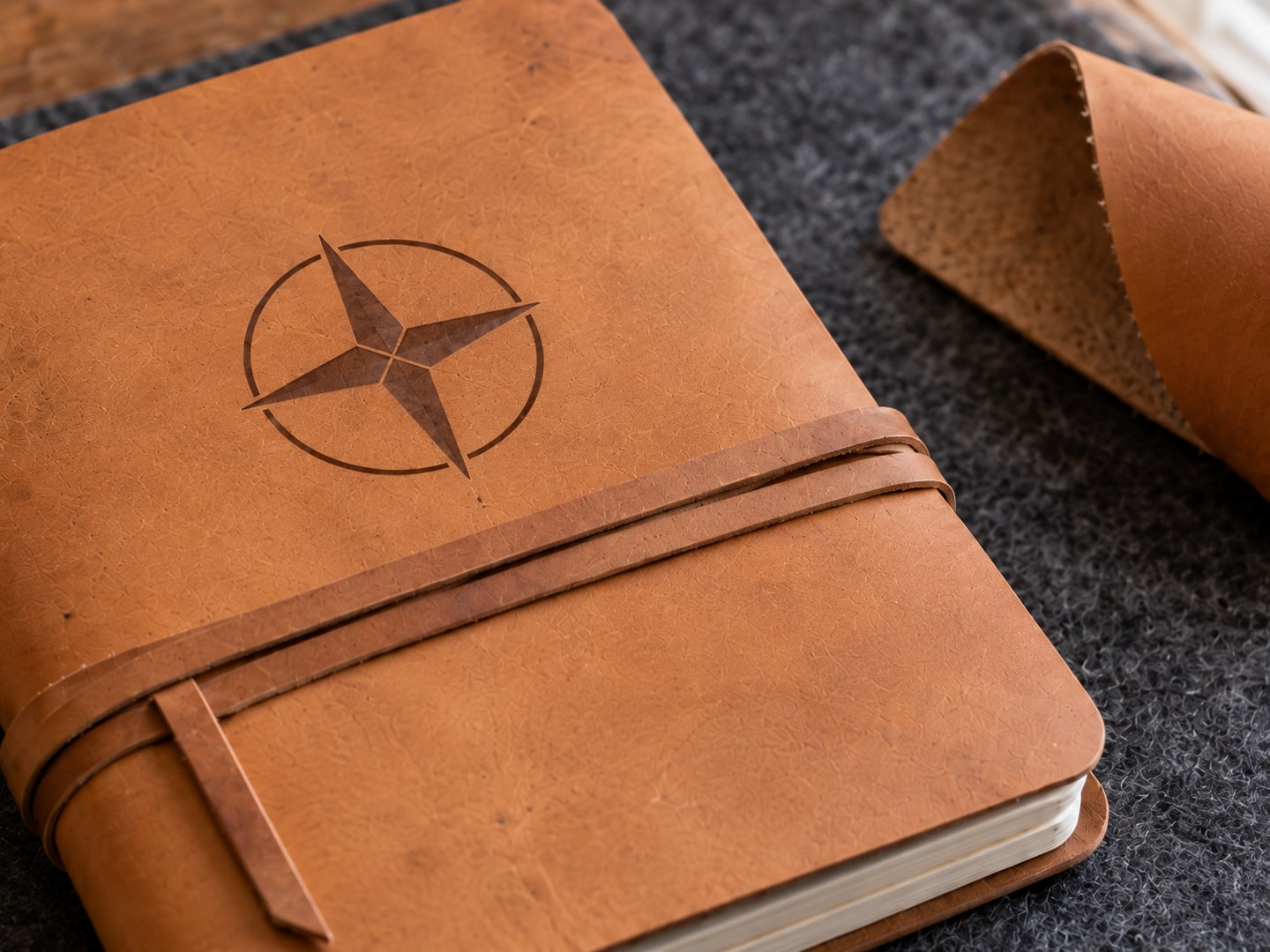
Laser-engraved leather sells itself. The burn darkens the surface into a crisp, debossed mark that looks like traditional hand tooling, except it takes minutes instead of an afternoon and repeats perfectly across fifty pieces. Journals, wallets, patches, and key fobs all jump a price tier the moment a design lands on them.
The catch is that "leather" covers materials with completely different laser behavior, and one common category is genuinely hazardous to burn. Get the material right and everything downstream gets easy. Get it wrong and you are either ruining blanks or breathing something you should not be.
Heads up
Safety first: never laser chrome-tanned leather or unknown faux leather. Chrome tanning leaves chromium compounds in the hide that can release toxic hexavalent chromium fumes under laser heat, and most garment and upholstery leather is chrome-tanned. PVC-based faux leather is worse: it releases corrosive chlorine gas that damages lungs and machines alike. Only laser leather you can verify is vegetable-tanned, or synthetics confirmed to be PVC-free.
Leather Types for Laser Engraving
Vegetable-Tanned Leather (The Right Answer)
Veg-tan is the gold standard, and for most projects the only answer you need. Tanned with plant tannins rather than chromium salts, it chars cleanly and evenly to a rich dark brown that contrasts beautifully with the natural pale tan surface. The mark is permanent, and the material is safe to laser with normal ventilation.
Buy from leather suppliers who label tanning methods explicitly, such as tooling leather sold specifically for crafts. "Genuine leather" on a product listing tells you nothing about how it was tanned.
Full-Grain Leather
Full-grain veg-tan engraves well but with more character: natural grain, scars, and density variations show through the burn. On rustic pieces that variation reads as authenticity. On pieces that need crisp uniform branding, choose a smoother tooling grade.
Suede
Suede takes a subtle, tonal mark rather than a sharp one. The nap direction changes how the engraving catches light, and the result is softer and lower-contrast than smooth leather. It suits large, bold artwork and disappoints with fine detail.
Faux and PU Leather
Synthetic "leather" ranges from laserable to dangerous depending on chemistry. PU-based material generally engraves acceptably with good exhaust, and laserable "leatherette" sheets sold by laser suppliers are engineered for exactly this use. PVC-based material must never be lasered, full stop. If the listing does not state the composition, assume the worst.
Settings: Start Low and Test on the Same Hide
We make design files rather than run machines, so we will not hand you a numbers table pretending to know your laser. What we can tell you is how leather behaves and where trustworthy numbers come from.
Leather marks at far less power than wood. It is thin, it chars readily, and the difference between a rich mark and a burn-through is small, so every manufacturer library treats it as a low-power, single-pass material. Start from your machine maker's published leather settings: xTool's material library, Glowforge's Proofgrade leather entries, and most diode brands' support charts all include one.
Then test on a scrap of the same hide, not just the same leather type. Hides vary in thickness and density across their area, and the setting that looks perfect on the belly scrap can behave differently on the firmer back. A few practical behaviors to test toward:
- One pass only. If the mark is too light, step power up slightly and re-test on scrap. Stacking passes on leather invites burn-through.
- Speed controls tone. Faster passes mark lighter and cooler; slower passes go darker and deeper. Dial contrast with speed before reaching for more power.
- Keep air assist gentle or off. A strong air stream across leather can cause uneven, blotchy burning. Most published leather settings run it low.
- Damp-stretch warped pieces flat. An out-of-focus high spot engraves lighter than the rest and ruins the evenness.
For the general test-grid workflow that applies to every material, see our laser settings guide.
Design Rules That Work on Leather
This is our home turf. Leather is a textured, organic surface that renders a design in exactly one color, and files that respect those two facts look incredible on it.
Choose bold artwork with solid fills. The engraving is a single dark tone, so designs built from strong silhouettes and generous filled areas produce the classic branded look. Ornamental knotwork, tribal linework, and clean animal silhouettes are natural fits, which is why Celtic and tribal packs are perennial leather favorites.
Keep line weight above half a millimeter. Leather grain visually swallows hairline strokes. Any stroke thinner than about 0.5mm at final engraved size risks disappearing into the texture, so scale the design up or choose artwork drawn with heavier lines.
Size text generously. Small lettering fills in and blurs on grain. Keep text to roughly 8pt or larger at the final engraved size, and favor clean fonts over delicate scripts for anything small.
Grayscale shading works, gently. Varying power across a design produces tonal shading on leather, but the effect is more muted than on wood. Use it for depth on medallion-style artwork rather than expecting photographic range.
 Celtic Designs50 designs, commercial license included$3.99
Project Ideas
Journals and Notebook Covers
Blank veg-tan journals are widely available and transform with a single centered engraving. Monograms, knotwork, compasses, and wildlife scenes all suit the format, and personalized journals are dependable Etsy and gift sellers. Engraving a purchased blank is far more practical than building journals from scratch.
Wallets and Card Holders
Initials or a small motif on the corner of a wallet turns a commodity item into a custom gift. Source verified veg-tan blanks from leather goods wholesalers, and keep the artwork small and crisp: wallet real estate is tight and oversized engraving reads as cheap.
Patches
Laser-cut and engrave leather patches for hats, bags, and jackets, or buy pre-cut patch blanks and engrave only. Leather patches carry a premium feel embroidered ones cannot match, and they are the standard route into wholesale orders from small apparel brands.
Belts
A repeating pattern or ornamental design running along a veg-tan belt strap recreates the tooled-leather look without the mallet work. Set the design up as a tiled strip in your laser software and engrave in sections.
Coasters
Thick veg-tan rounds engrave into premium coasters that feel substantial in the hand. Sell in sets of four or six, and condition them after engraving so they resist rings and spills.
Bookmarks and Key Fobs
Both are fast, light to ship, and priced for impulse purchase at markets. Cut simple shapes from thinner leather, engrave a design or initial, and add hardware for the fobs. These are also the perfect products for using up offcuts from bigger projects.
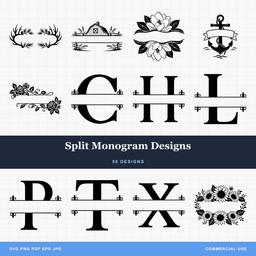 Split Monogram Designs50 designs, commercial license included$3.99
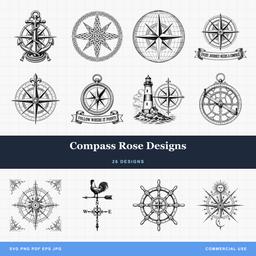 Compass Rose Designs26 designs, commercial license included$3.99
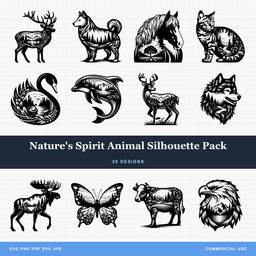 Natures Spirit Animal Silhouette Pack28 designs, commercial license included$3.99
Finishing and Care
- Wipe down after engraving. A barely damp cloth lifts residual smoke staining from around the mark. Rub gently so you do not drive soot into the grain.
- Condition lightly. A thin coat of leather conditioner protects the piece and deepens the contrast of the engraving.
- Keep oils off the engraved area. Heavy oiling darkens the surrounding leather toward the color of the burn and flattens the contrast you worked for.
- Seal outdoor pieces. Anything living on a bag or jacket in the weather benefits from a leather sealant spray.
Browse Designs Made for Leather
Bold ornamental artwork, monogram frames, and clean silhouettes are exactly what leather rewards, and every pack in our catalog ships as SVG, PNG, JPG, PDF, and EPS for $3.99 with a commercial license included. The patches and journals you engrave are yours to sell, with no unit caps.
For the wider material picture, read our complete materials guide. And if slate is next on your bench, the slate engraving tutorial covers the other great high-contrast engraving surface.
Designs for this project
Frequently Asked Questions
What leather is best for laser engraving?
Vegetable-tanned leather. It chars cleanly to a dark brown mark with strong contrast against the natural tan color, and it contains none of the chromium compounds that make chrome-tanned leather dangerous to laser. Buy from a supplier who states the tanning method explicitly.
Why can't you laser engrave chrome-tanned leather?
Chrome tanning leaves chromium compounds in the hide, and laser heat can release toxic hexavalent chromium fumes. Most fashion, upholstery, and garment leather is chrome-tanned. If a supplier cannot confirm a hide is vegetable-tanned, do not put it under the laser.
Can a diode laser engrave leather?
Yes. Leather marks at low power, so even small diode machines engrave it well. The bigger risk runs the other way: leather is thin and burns through easily, so start well below the power you would use on wood and test on a scrap from the same hide.
Is faux leather safe to laser engrave?
Only if you can verify what it is made of. PU (polyurethane) faux leather can generally be lasered with good ventilation, but PVC-based faux leather releases toxic, corrosive chlorine gas and must never go under a laser. If the composition is unknown, treat it as PVC and skip it.