The question every new laser owner asks within a week is some version of "what else can I put in this thing?" The machine arrived, the sample plywood is gone, and suddenly every coaster, tile, and leather scrap in the house looks like a project.
The honest answer is that the range is enormous, but the materials are not interchangeable. Each one takes the beam differently, wants a different approach, and a few common household materials are genuinely dangerous to laser. This guide covers what works, what each material gives you, and the short list you must never put under the lens.
Heads up
Before anything else: never laser PVC or unverified craft vinyl. That includes adhesive craft vinyl, faux leather of unknown composition, and most "pleather". Lasering PVC can release fumes that harm people and damage the machine. Use ordinary adhesive craft vinyl in a blade cutter. A specially formulated transfer material requires explicit compatibility guidance from both its supplier and your machine maker. The full do-not-laser list is at the end of this guide.
Wood
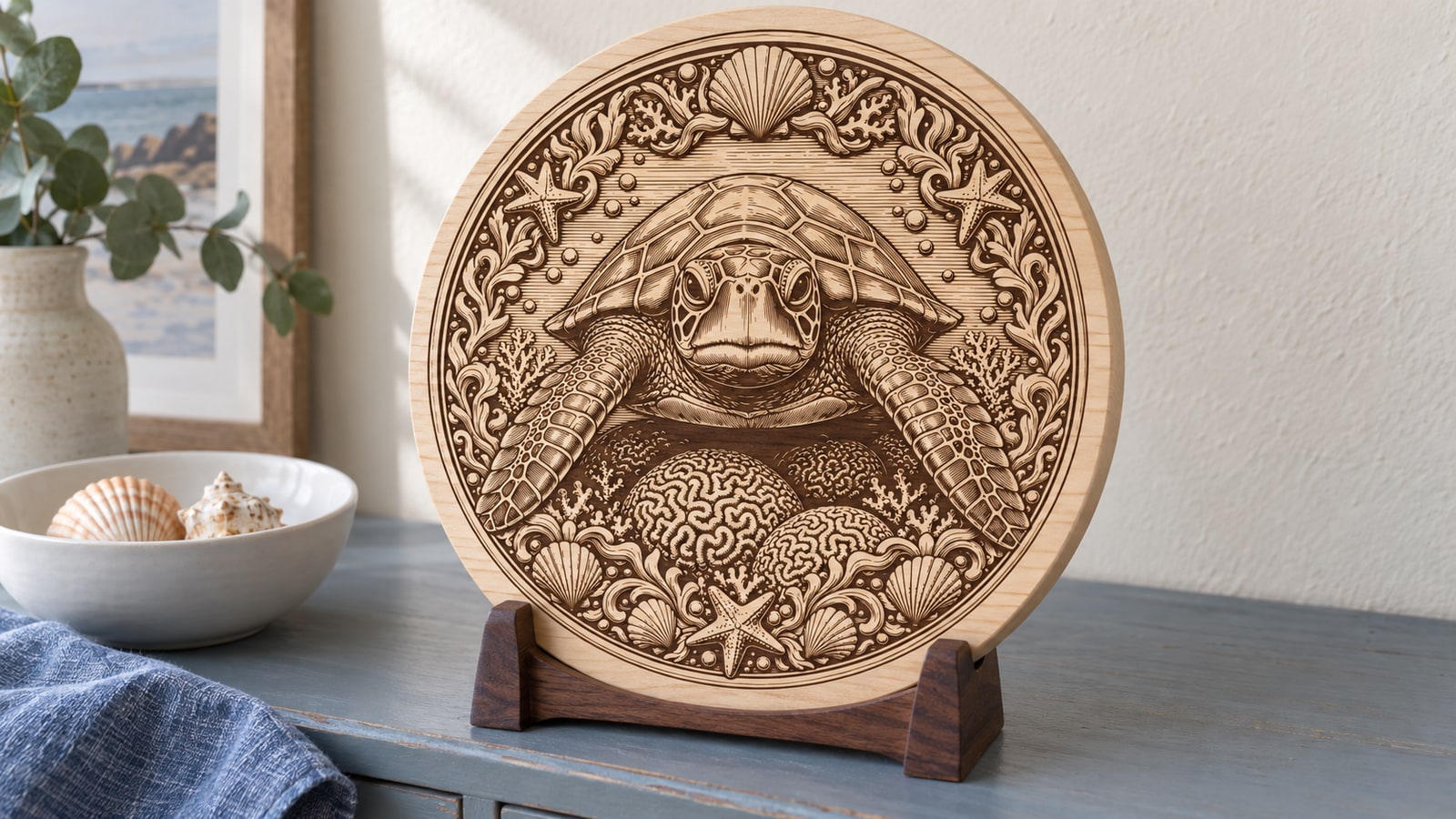
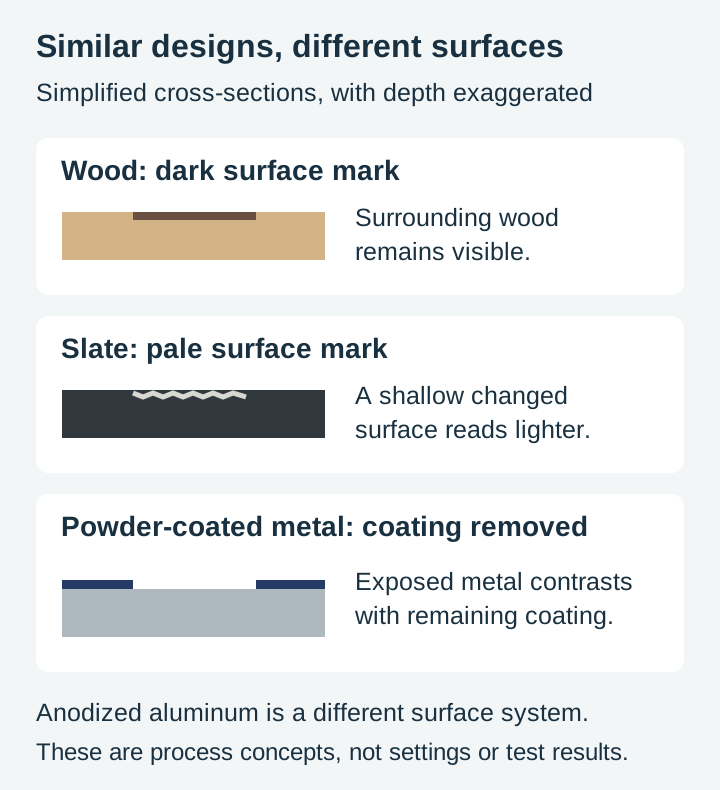
Wood is the most popular engraving material for good reason: it is affordable, everywhere, and the warm burn against natural grain is the look most customers picture when they hear "laser engraved". Contrast comes from the char the beam leaves behind, so pale, tight-grained species give the crispest results.
The short version of species choice:
- Basswood is the gold standard for detail: pale wood with a fine, even grain, minimal smoke staining.
- Baltic birch plywood is the volume workhorse: flat and consistent while costing next to nothing, great for signs and ornaments.
- Maple holds the finest detail of the hardwoods and is the classic cutting board material.
- Cherry darkens beautifully and gains a richer patina with age.
- Walnut has rich dark grain but can give subtle contrast; test the actual blank rather than assuming a pale mark.
- Alder gives a cherry-like warmth cheaply and is sold everywhere as ready-made blanks.
Avoid resinous softwoods like pine and fir when consistency matters. Their alternating hard and soft grain burns unevenly, and sap lines engrave darker than the wood around them. MDF engraves consistently but looks like MDF, and belongs in prototypes rather than gifts.
For the full species-by-species breakdown, see our best wood for laser projects guide.
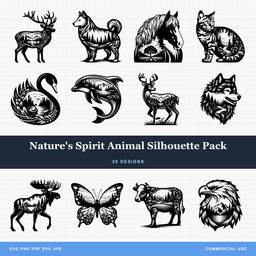 Natures Spirit Animal Silhouette Pack28 designs, commercial license included$3.99
Slate
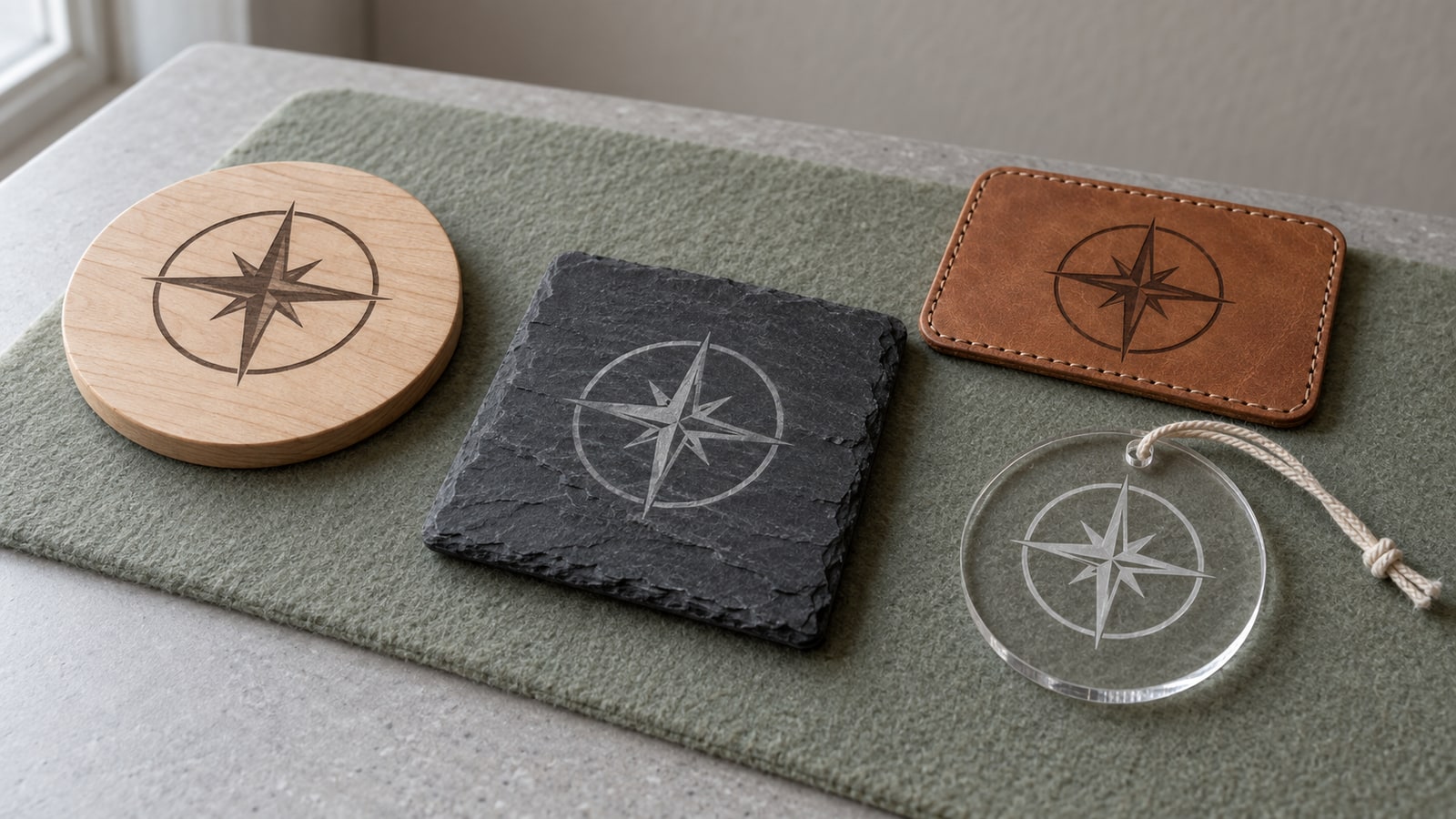
Natural slate produces the most dramatic transformation of any common material. The beam fractures the dark surface into a pale gray-white mark, so the design appears almost painted on, with no ink or coating involved. The mark is stone-deep and permanent.
Slate loves bold artwork. Strong silhouettes and clean shapes come out gallery-crisp, while very fine hatching can get lost in the stone's natural texture. Since the mark is light on dark, your design effectively renders in reverse: the black areas of the file become the bright areas on the stone, which is exactly how our slate-specific packs are drawn.
- Best for: coasters, serving boards, signs, plaques, memorials, wall art
- Look: white-gray engraving on near-black stone
- Watch for: quality varies a lot between suppliers, so test a piece from each batch
Slate deserves its own walkthrough, and we wrote one: the complete slate engraving guide.
Acrylic
Acrylic comes in every color and finish imaginable and behaves beautifully under a CO2 laser. There are two kinds, and the difference matters more than any setting.
- Cast acrylic engraves to a frosty white that glows at cut edges and under LED light. This is what you want for engraving work.
- Extruded acrylic is cheaper and cuts with a flame-polished edge, but engraves faintly and unevenly. Treat it as a cutting material.
One machine caveat: clear acrylic is effectively invisible to blue diode lasers, which pass through it rather than marking it. Diode owners should choose acrylic explicitly compatible with their machine; ordinary clear, white and many blue sheets are unsuitable, and opacity alone is not a guarantee. CO2 machines handle every color including clear, which is why edge-lit signs are a CO2 specialty.
Acrylic shines for keychains, ornaments, cake toppers, and light-up signs. Our acrylic laser cutting guide goes deeper on both cutting and engraving it.
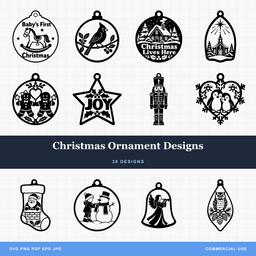 Christmas Ornament Designs38 designs, commercial license included$3.99
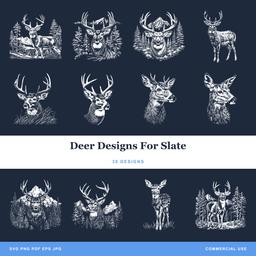 Deer Designs For Slate30 designs, commercial license included$3.99
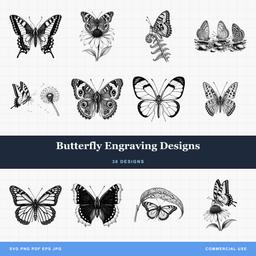 Butterfly Engraving Designs30 designs, commercial license included$3.99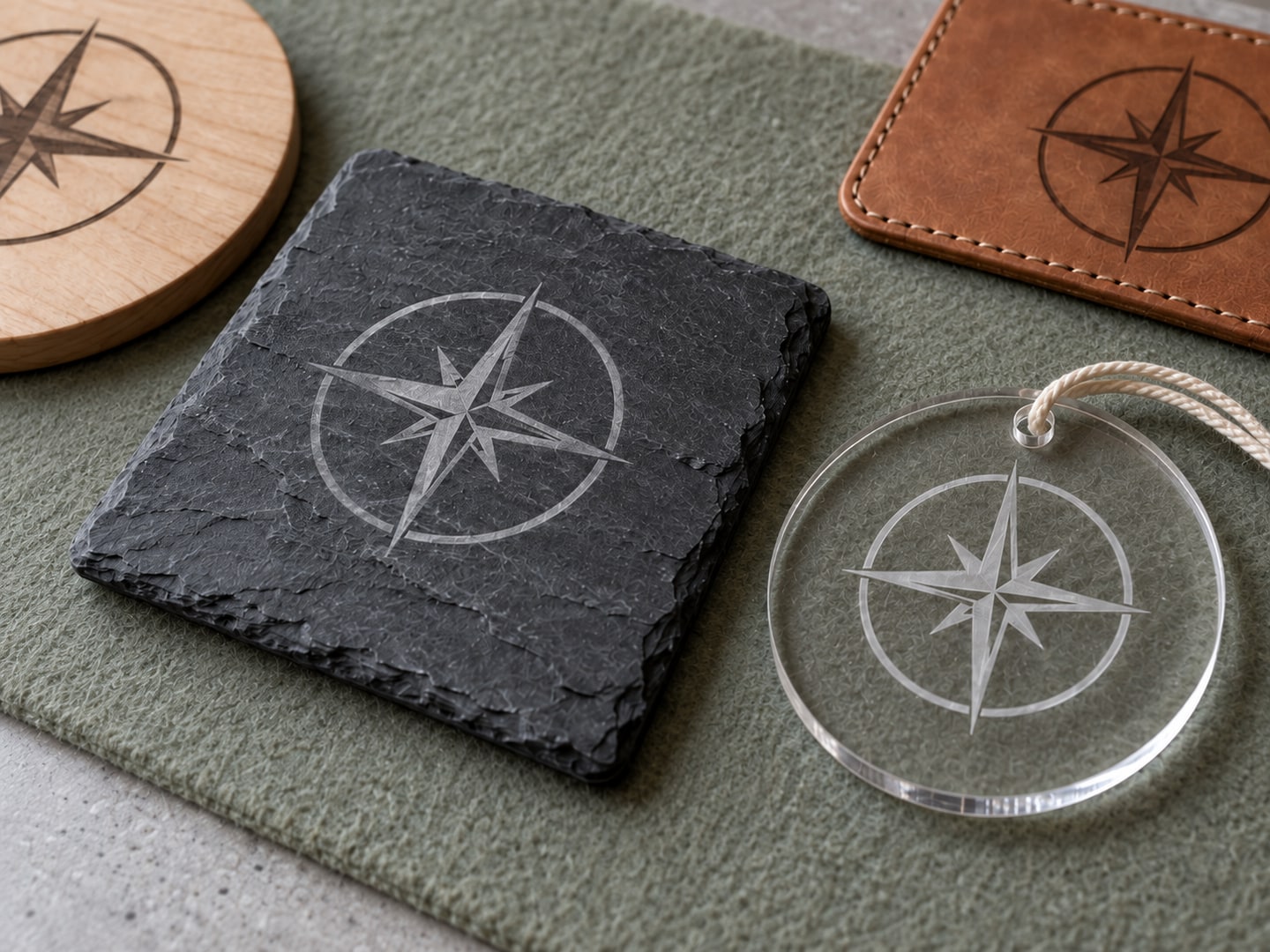
Leather
Leather engraves to a darkened, debossed mark that looks like traditional branding without the branding irons. Wallets, journals, belts, patches, and dog collars all take an engraving well, and personalization is exactly what leather buyers pay for.
The material choice is a safety line, not a preference. Vegetable-tanned leather engraves cleanly and predictably. Chrome-tanned leather, which covers most upholstery and garment leather, releases toxic chromium compounds when lasered and belongs on the never list. If a supplier cannot tell you how a hide was tanned, do not laser it.
Leather also varies in thickness across a single hide, and thin spots burn through fast. Test on a scrap from the same piece before committing. Our leather engraving guide covers project ideas and design choices in detail.
Glass
CO2 lasers mark glass by micro-fracturing the surface into an elegant frosted finish. Wine glasses, mirrors, jars, and picture frames all take the effect well, and the frost reads as high-end in a way few materials match.
Two practical notes. First, a thin wet layer over the glass, either dampened newspaper or a smear of dish soap, helps the surface fracture evenly instead of chipping. Second, diode lasers mostly pass through glass the way they pass through clear acrylic, so diode owners should work on coated or painted glass, or use a marking spray.
Curved glassware needs a rotary attachment to keep the surface at focus while it turns. Flat glass engraves on the standard bed like anything else.
Ceramic and tile
Plain white tiles from any home improvement store become permanent art with a marking spray. Coat the tile, let it dry, engrave, then wash off the excess: the laser bonds the coating into the glaze, and the mark survives dishwashers and weather.
There is also a popular budget variant where the tile is painted with plain black paint, engraved, and cleaned up, leaving the fused mark behind. Either way, tiles are among the cheapest practice materials that still produce a sellable result: trivets, coasters, and memorial tiles all start at under a dollar of stone.
Anodized aluminum
Laser marking can change or remove color in an anodized surface, leaving a contrasting mark without necessarily stripping the protective oxide down to bare metal. Results depend on the anodizing and laser source. Trotec’s anodized-aluminum guide describes a process that removes very little of the coating.
Dog tags, tumblers, business card blanks, and tool labels are all sold pre-anodized in bulk specifically for this. Bare, uncoated metals are a different story: they need a marking compound with a CO2 machine, or a fiber laser, which is purpose-built for metal.
Powder-coated tumblers and drinkware
One of the biggest personalization markets right now runs on powder-coated stainless tumblers. The laser removes the colored powder coat and exposes bright steel underneath, giving a permanent, dishwasher-tough silver mark against the colored body. This coating-removal process differs from changing the color of an anodized layer.
Diode and CO2 machines both handle powder coat, though results vary by brand of tumbler, so test on the bottom edge first. Curved drinkware needs a rotary attachment, which spins the cup under the beam so the design stays in focus around the circumference. If you plan to sell personalized tumblers, the rotary pays for itself quickly.
Names, monograms, and bold silhouettes are the natural artwork here. The exposed-steel mark behaves exactly like slate in reverse: it needs designs with enough filled area to read, and fine hatching gets lost on a curved reflective surface.
Cork
Cork is an underrated engraving material. It marks readily at low power, the burn contrast is warm and strong, and cork coasters, trivets, and placemats cost pennies as blanks. It is also forgiving: the surface texture hides small imperfections that would show on maple.
Keep power modest because cork scorches fast, and stick to bold designs since the granular surface swallows fine lines. For gift sets, a cork-and-slate coaster pairing engraved with the same design is an easy upsell that shows off two materials with one file.
Paper and cardstock
A laser cuts paper with detail no blade cutter can match: lace-fine wedding invitations, layered shadow boxes, intricate paper art. There is no blade drag and no torn corners, so filigree that would shred on a cutting mat comes out perfect.
Paper wants a gentle touch and constant attention. It cuts at very low power and high speed, scorches easily, and is, after all, flammable. Air assist and never leaving the machine mid-job are both non-negotiable here.
Fabric and felt
Lasers cut synthetic fabrics with sealed edges that never fray, and natural fibers like cotton and denim with clean, precise lines. Felt in particular cuts beautifully and has a busy market in ornaments, banners, and applique shapes.
Test each new fabric on a scrap first. Some synthetics melt into hard edges rather than cutting cleanly, and remember the vinyl rule: anything PVC-coated, including many faux leathers and oilcloth fabrics, stays out of the laser entirely.
The never-laser list
Some materials are dangerous to you, your machine, or both. Do not laser:
| Material | Why |
|---|---|
| PVC / unverified vinyl or pleather | Can release toxic, corrosive fumes |
| Polycarbonate (Lexan) | Toxic fumes, discolors badly, cuts poorly |
| ABS plastic | Toxic fumes, melts unevenly |
| Chrome-tanned leather | Releases toxic chromium compounds |
| Fiberglass | Toxic fumes, glass dust damages optics |
| Pressure-treated wood | Vaporizes chemical preservatives |
| Unknown plastics | Could be any of the above |
Material names and surface appearance are not enough to establish compatibility. When in doubt, look up the safety data sheet before an unfamiliar material goes under the lens. Glowforge’s custom-material guidance explains checking the manufacturer, SDS and machine requirements.
Where to start: a practical first-three
If you are staring at this list wondering what to actually order, here is the progression that serves most new laser owners well.
Start with Baltic birch plywood. It is the cheapest way to learn how your machine behaves, mistakes cost cents, and everything you learn about focus, contrast, and detail transfers to every other material. A single sheet yields dozens of test pieces and your first sellable ornaments.
Add slate second. It is the fastest route to a result that looks professional, it is nearly as cheap as plywood, and it teaches you light-on-dark design thinking, which you will use again with some coated or anodized metals.
Add your market's material third. This is where it depends on who you sell to. Craft fair sellers usually go acrylic for ornaments and keychains. Personalization shops go anodized aluminum or tumblers. Leather suits makers who already sew or work with hides. Let demand pick the third material rather than buying one of everything up front.
The one habit that carries across all of them: keep a settings notebook. Every new material and every new supplier batch gets a small test before a production run, and the note you write today saves the guesswork next month.
Match the design to the material
From the file side of the bench, the biggest lesson across every material is that detail tolerance changes with the surface. Wood and cast acrylic hold hairline strokes and fine hatching. Slate, oak, and fabric want bold shapes and strong silhouettes, because texture eats fine lines. Materials that produce a pale mark on a dark background, such as slate, need enough marked area for the contrast to read.
Every pack we sell ships as SVG, PNG, JPG, PDF, and EPS, so the same purchase covers the vector work on wood and acrylic and the raster engraving on slate or glass. The commercial license is included with every purchase, and there is no cap on the physical products you sell.
Start with the material you can get cheaply and locally, dial it in on scraps, and expand from there. When you are ready for artwork, the wildlife collection and slate collection are built for exactly this kind of work, and at $3.99 a pack, trying a design on a new material is a low-stakes experiment.
Designs for this project
Frequently Asked Questions
What materials can you never laser engrave?
Do not laser PVC or unverified craft vinyl, which can release toxic, corrosive fumes. Also avoid polycarbonate, ABS, chrome-tanned leather, and fiberglass. When a material is unidentified plastic, do not laser it, and check the safety data sheet for anything unfamiliar.
Can a diode laser engrave glass or clear acrylic?
Mostly no. Blue diode light passes straight through clear and transparent materials instead of being absorbed. CO2 lasers handle glass and clear acrylic well. Diode owners can work around it with opaque acrylic colors, coated glass, or a marking spray.
What is the easiest laser engraving material for beginners?
Baltic birch plywood for wood projects and slate coasters for stone. Both are cheap to practice on and stocked in every craft store, and produce impressive contrast without coatings or special handling.
Do I need a coating to engrave metal?
Some anodized aluminum can be marked without an added coating, but the result depends on the anodizing and laser source. Bare metal needs a compatible marking process, which may use a marking compound or an appropriate metal-marking laser.