Buying a first laser is a strange shopping experience. Machines range from under two hundred dollars to the price of a used car, the spec sheets count watts three different ways, and every forum thread ends with someone insisting you will regret whatever you are about to order.
Most of that anxiety traces back to one unmade decision. Once you know whether you need a diode or a CO2 laser, the field collapses from hundreds of machines to a handful, and the rest is features and budget. This guide walks you through that decision first, then the features that genuinely matter, then what to expect at each price tier.
Tip
Short answer: most beginners should buy a 10 to 20 watt diode laser from the middle of the price range. It engraves wood, leather, slate, and dark acrylic, and cuts thin wood. Go straight to CO2 only if you already know you need to cut acrylic, engrave glass, or cut thicker stock.
Diode or CO2: make this decision first
A diode laser builds its beam from semiconductor emitters, the same basic technology as a laser pointer but vastly more powerful and focused to a fine point. The light is visible blue, around 450 nanometers. A CO2 laser generates its beam inside a gas-filled glass tube and steers it with mirrors. That light is far infrared, invisible, at 10,600 nanometers.
The wavelength difference sounds like trivia. It is actually the whole decision. Material has to absorb light to be cut or engraved by it, and clear acrylic and glass let blue light pass straight through. That is why no diode, at any power, cuts clear acrylic or engraves glass directly. CO2's infrared beam gets absorbed by nearly every organic material, clear or not, which is what makes those machines so versatile.
Here is how the two families compare in practice. Prices are rough bands, not quotes, because street prices shift constantly.
| Diode laser | CO2 laser | |
|---|---|---|
| Typical cost | Low hundreds to under a thousand dollars | High hundreds to several thousand |
| Optical power | 5 to 40W | 40 to 130W |
| Engraves | Wood, leather, slate, cardstock, dark acrylic, coated metal | All of that, plus glass and clear or light acrylic |
| Cuts | Thin plywood, basswood, paper, felt | Wood, acrylic, leather, and fabric at much greater thickness |
| Cannot do | Clear acrylic, glass, bare metal | Bare metal marking without a compound |
| Footprint | Small, often open frame | Large, enclosed, needs a permanent home |
| Maintenance | Minimal | Mirror alignment, eventual tube replacement |
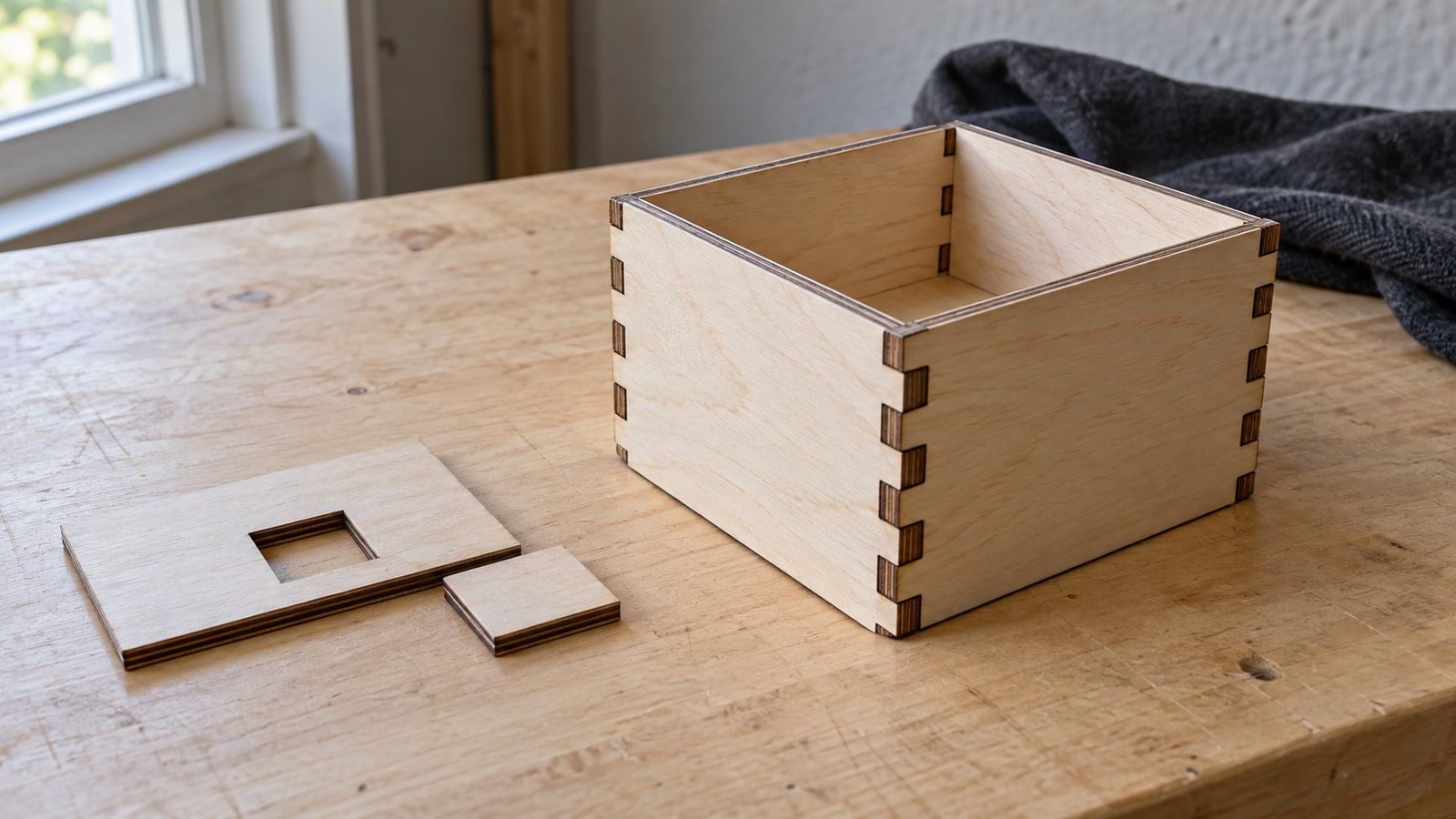
For most people starting out, diode is the right call. The machines are affordable, small enough for a spare desk, and modern multi-emitter diodes in the 20 to 40 watt class cut through quarter-inch wood respectably. Everything a beginner typically wants to make first, engraved signs, cutting boards, ornaments, slate coasters, keychains, sits comfortably inside a diode's abilities.
Choose CO2 when your project list demands it. Layered acrylic cake toppers, edge-lit acrylic signs, engraved glassware, and thick hardwood cutting all want the infrared beam and the extra power. Buying a diode first and upgrading later costs more than buying the right machine once, so be honest with yourself about what you actually plan to make.
There is a third family, fiber lasers, built for marking bare metal. They are industrial tools with industrial prices and almost never the right first machine for a crafter, so we will leave them there.
A note on watts, because spec sheets fib
Laser listings count watts up to three different ways, and comparing the wrong numbers is the single most common beginner shopping mistake. The number that matters is optical output, the power that actually reaches the material. Some diode listings instead headline the module's electrical input, or a marketing name like "40W machine" attached to a 5 watt emitter, and the difference between those figures is enormous.
Reputable diode brands now state optical output plainly, so scroll the spec sheet until you find that phrase and compare machines on it alone. CO2 tube ratings are already optical wattage, which is one reason a "40W" CO2 machine outcuts a "40W class" diode by such a wide margin. If a listing will not tell you the optical output, treat that silence as your answer and move on.
 Crafters Laser Cutting Svg Pack38 designs, commercial license included$3.99
The features actually worth paying for
Once you have picked a beam type, machines differentiate on a short list of features. Some matter enormously. Some are marketing.
Work area
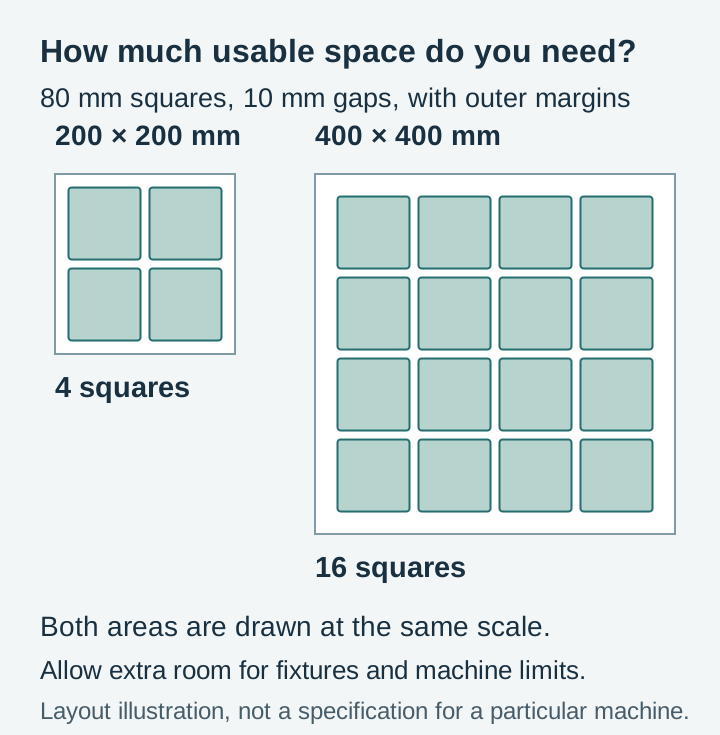
The bed size caps your project size, and it is the one spec you cannot upgrade later. Around 200 by 200 millimeters handles keychains, ornaments, coasters, and small signs. Around 400 by 400 covers most of what hobbyists make, including full-size cutting boards and 12 inch signs. Bigger beds matter mainly for batch production, where you engrave a dozen coasters in one run instead of twelve.
Air assist
Air assist blows a steady stream of air at the exact point the laser hits, clearing smoke and debris out of the beam's path. The difference shows up immediately in cleaner cuts and dramatically less scorching around engraved lines. Some machines build it in, some sell it as an add-on, and some leave you to rig a pump yourself. Prioritize machines that include it.
Enclosure
An enclosed machine contains the fumes, blocks the beam from reaching anyone's eyes, and keeps a small flare-up from becoming a workshop fire. Open-frame diode kits are cheaper and fine to start with, but plan on adding an enclosure, bought or built, sooner rather than later. CO2 machines come enclosed as standard.
Ventilation
Every laser produces smoke, and some materials produce genuinely nasty fumes. You need either a duct to the outdoors or an inline filter unit, and this is a real cost that belongs in your budget from day one, not a problem to solve after the first headache.
Software compatibility
This one is quietly important. Most diode machines and many CO2 machines work with LightBurn, a paid desktop application that has become the standard for hobby lasers, or with the free LaserGRBL. Some ecosystems, Glowforge most famously, run on their own cloud software instead, which is genuinely easier on day one but keeps you inside their walls.
LightBurn compatibility is worth having on your checklist because it is the most capable tool for importing and arranging SVG files, which is what you will spend most of your time doing. Our LightBurn import tutorial shows that workflow start to finish, and there is a matching Glowforge guide if you go the cloud route.
Cameras and autofocus
Nice to have, not need to have. A camera for positioning saves some test runs, and autofocus saves turning a knob. Neither changes what the machine can make. If the budget is tight, spend the difference on air assist and ventilation instead.
Safety is part of the purchase, not a footnote
A laser is the one craft tool in your house that can blind someone or start a fire while you are in the kitchen. Treat it accordingly.
With an open-frame diode, everyone in the room needs safety glasses rated for the laser's wavelength, not tinted hardware-store glasses. Never leave a running laser unattended, keep something rated for electrical fires within reach, and vent the fumes properly every single time. Enclosed CO2 machines with interlock switches remove a lot of the eye risk, which is part of what you are paying for at that tier.
None of this should scare you off. Thousands of people run these machines safely in spare bedrooms. It just needs the same respect you would give a table saw.
Budget tiers in 2026
Treat these bands as a map, not a menu. Machines drift across tiers during sales, and new models reshuffle the field every year.
The cheapest tier buys a basic 5 to 10 watt open-frame diode. It engraves wood, leather, and dark materials happily and cuts only the thinnest stock. Perfectly good for finding out whether you love this, limiting once you want to sell.
The middle diode tier is the sweet spot for serious hobbyists. Expect 10 to 20 watts of optical power, a medium work area, included air assist, and better build quality. Machines here cut quarter-inch wood and produce genuinely sellable work.
The top diode and entry CO2 tier is where the paths fork. High-end diodes bring big beds, enclosures, and 30 to 40 watt modules. Alternatively, compact entry-level CO2 machines in the K40 class open up acrylic cutting and glass engraving for similar money, with more setup fiddliness attached.
Mid-range CO2 means a full-size enclosed machine in the 40 to 60 watt range, capable of production work across the whole material list. This is small-business equipment.
The premium ecosystem tier is Glowforge and its competitors, several thousand dollars for the most beginner-friendly experience available: camera positioning, cloud software, curated materials. You pay a real premium for the hand-holding, and plenty of buyers consider it money well spent.
What your files can tell you about the machine you need
Here is an angle most buying guides skip. We spend our days building engraving and cutting files rather than selling machines, and the files themselves say a lot about how much machine you actually need.
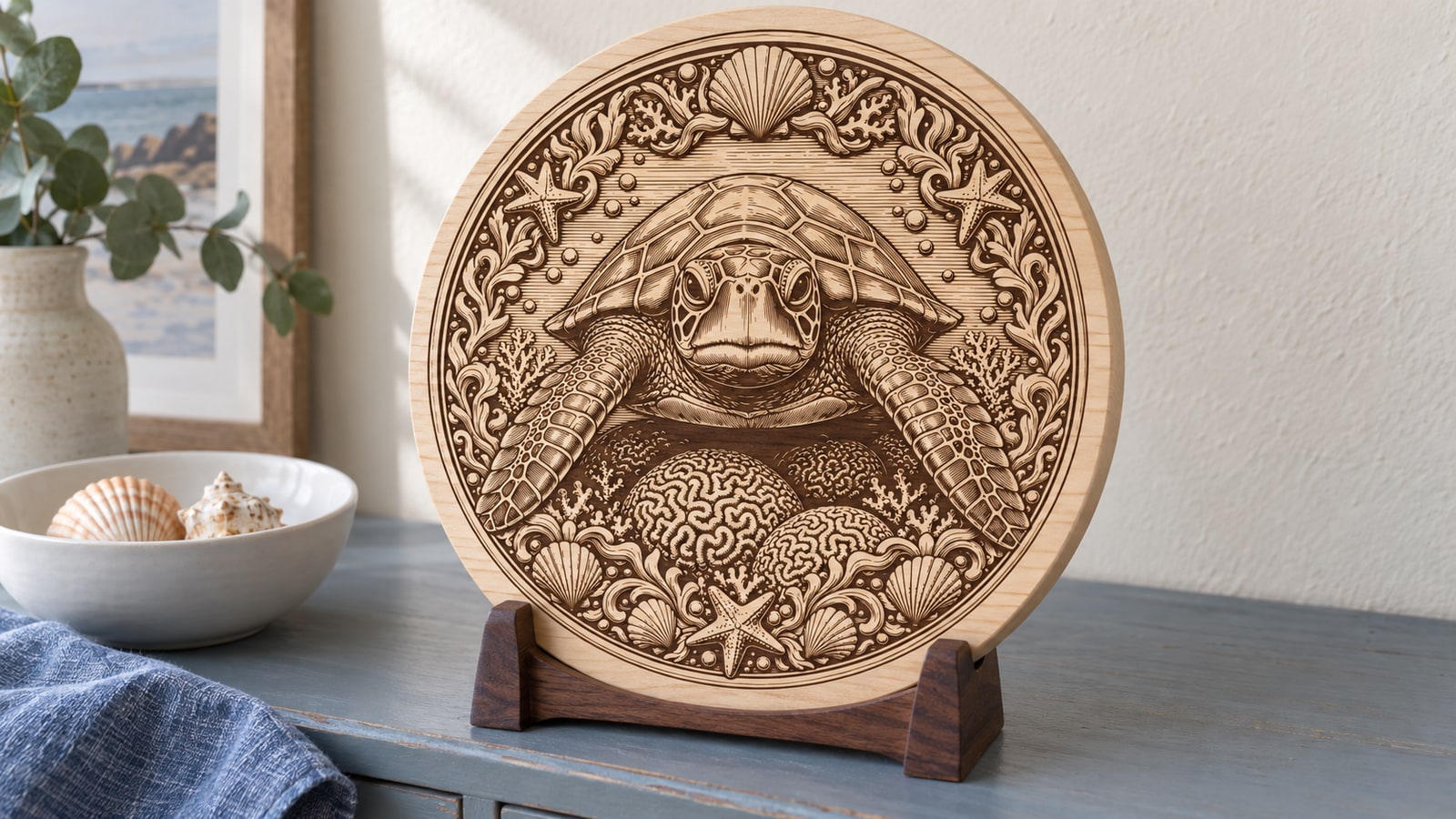
Surface engraving is forgiving. When a laser marks line art into wood or slate, it is darkening a surface, not separating one shape from another, so fine hatching and hairline detail survive on even the cheapest diode. Every engraving design we sell is drawn with stroke weights that hold up at gift sizes, and a 5 watt machine renders them just as crisply as a 60 watt one. It only does it more slowly.
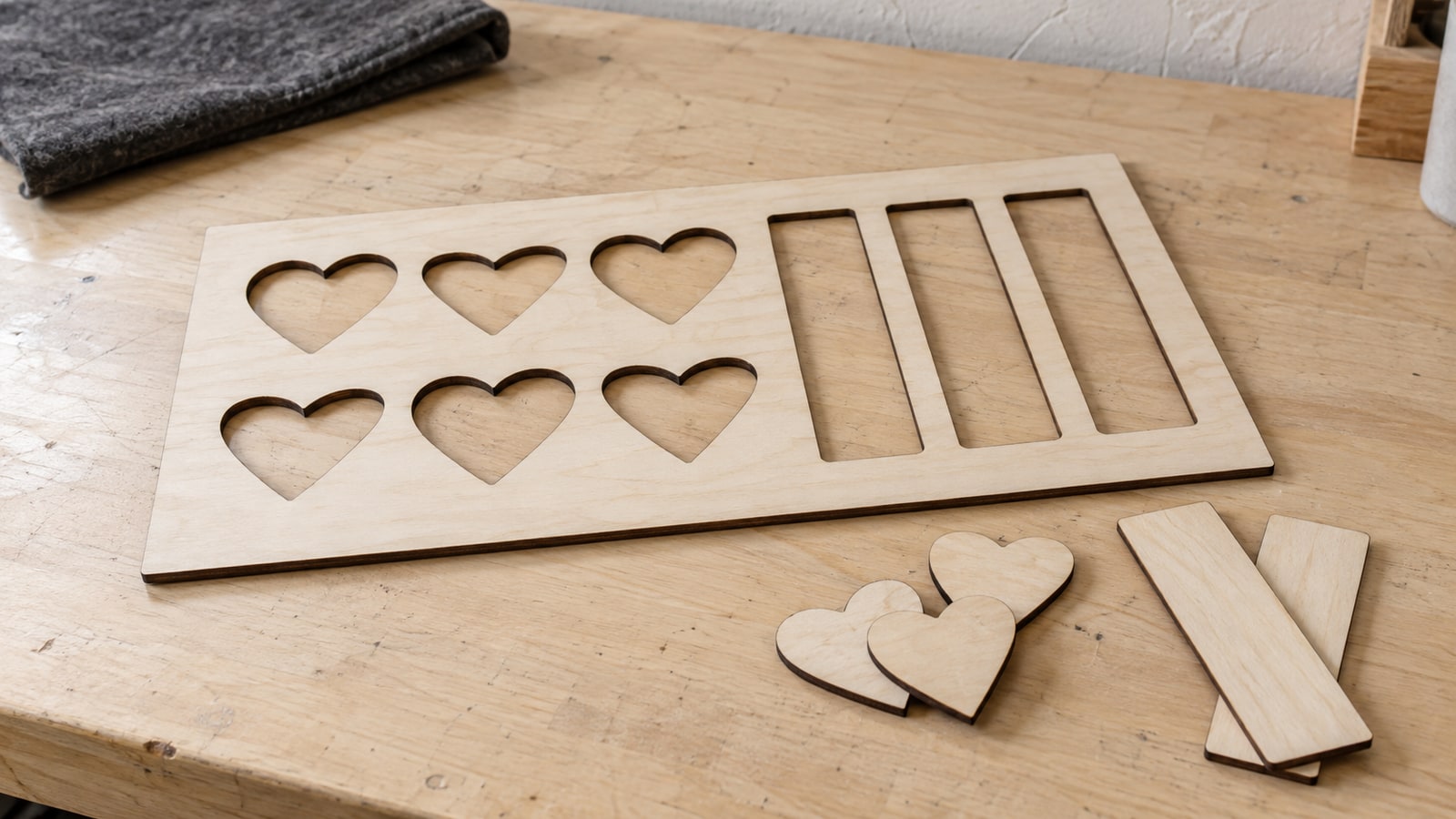
Cutting through is where machines separate. Thin bridges and delicate interior details that engrave beautifully will char or break when you try to cut them from eighth-inch ply on an underpowered machine. If your project list leans toward cut-through work, layered signs, puzzle pieces, acrylic shapes, that is the signal to climb a tier or two.
So before you buy anything, write down the first ten things you want to make and sort them by material and by engrave versus cut. If the list is engraved wood, slate, and leather, a mid-tier diode covers all of it. If clear acrylic or glass appears even twice, start your search at CO2 and skip the upgrade tax entirely.
What beginners actually make first
The happy surprise of laser ownership is how fast you get to good. Engraved slate coasters, personalized cutting boards, wooden ornaments, and pet-themed signs are all first-month projects, and all of them sell.
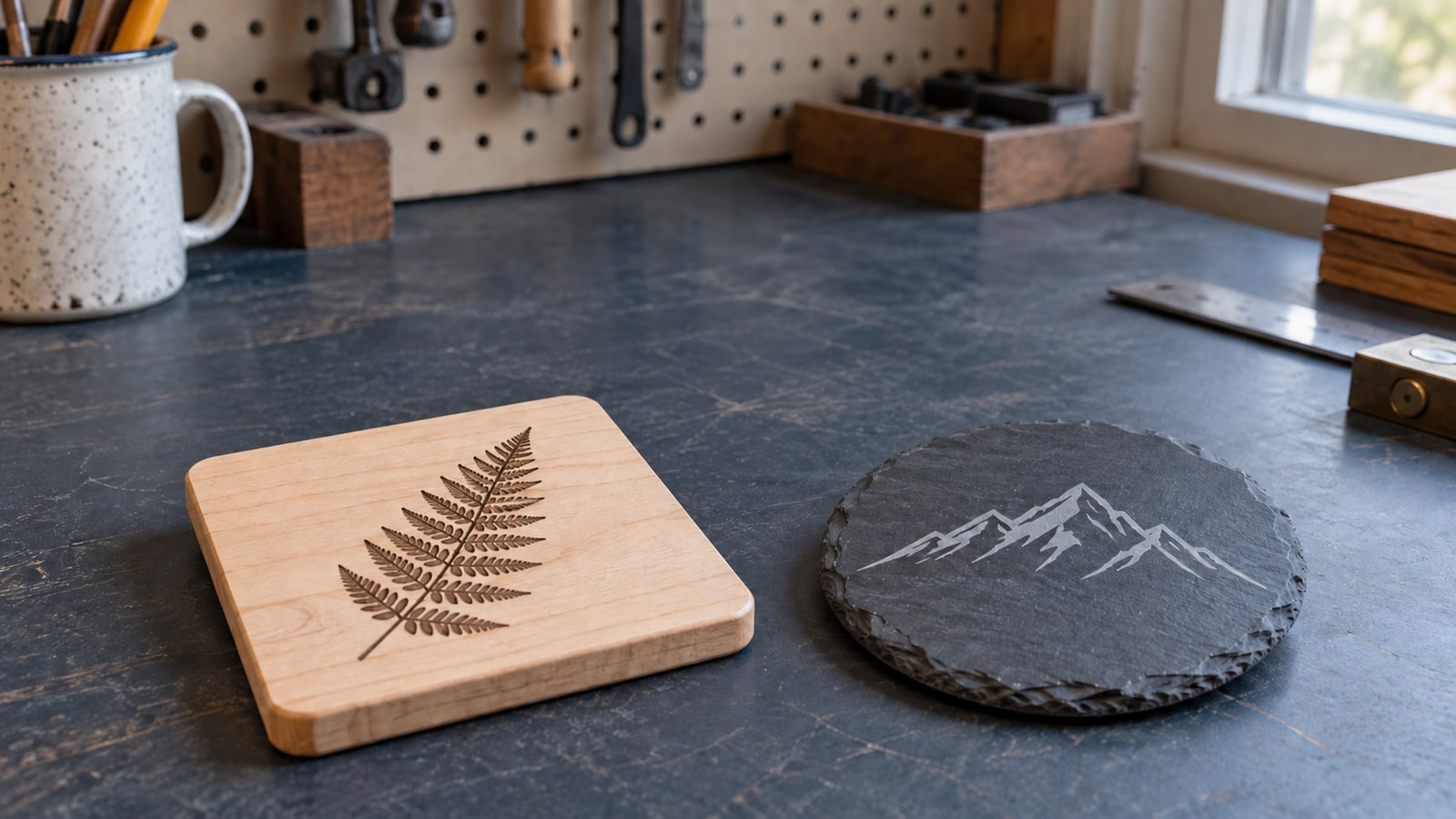
For project inspiration, browse our creative laser engraving ideas and our rundown of best-selling craft fair items. When you are choosing what to run first, the guide to the best materials for laser engraving will keep you away from the frustrating ones, and slate deserves a special mention: it engraves beautifully on a basic diode and looks far more expensive than it is.
 Deer Designs For Slate30 designs, commercial license included$3.99
 Cutting Board Sayings Designs40 designs, commercial license included$3.99
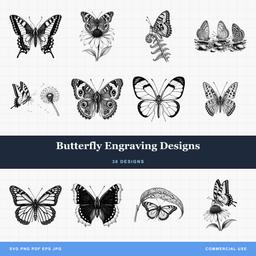 Butterfly Engraving Designs30 designs, commercial license included$3.99
Our recommendation
For most beginners, a 10 to 20 watt diode laser from the middle of the price range is the right first machine. It can produce work people will pay for without betting the mortgage on a new hobby, and you will not fight the machine while you are still learning the craft.
If you already know acrylic or glass is central to your plans, start with CO2 instead. Buying the machine that matches your project list beats buying twice.
Feed it good files from day one
Whichever machine arrives, its output will only ever be as good as the files you send it. Every design pack in our catalog is drawn for laser work, with clean paths and detail sized to survive real materials, and each pack costs $3.99 with SVG, PNG, JPG, PDF, and EPS included plus a commercial license, so the coasters you engrave in week one can be for sale in week two.
Start with the packs above, then use manufacturer material charts and our laser engraving settings guide to dial in your first cuts on scrap. The machine is the purchase. The files and the practice are the craft.
Designs for this project
Frequently Asked Questions
Should a beginner buy a diode or a CO2 laser?
A diode laser suits most beginners. Entry machines start in the low hundreds of dollars and handle engraving wood, leather, slate, cardstock, and dark acrylic. Choose CO2 if you need to cut acrylic, engrave glass, or cut thicker material, and expect to spend noticeably more for the machine and the space it takes up.
Can a diode laser cut clear acrylic?
No. The blue light a diode emits passes straight through clear material instead of being absorbed, so cutting clear acrylic and engraving glass are jobs diodes cannot do. Those are CO2 territory.
How much should I spend on a first laser?
The middle of the diode range is the sweet spot for serious hobbyists: 10 to 20 watt machines with a medium work area, air assist, and better build quality, able to cut thin wood as well as engrave. The cheapest tier buys a basic 5 to 10 watt machine that is fine for learning but limiting once you want to sell.
Which features matter most on a first machine?
Air assist, which clears smoke at the cutting point and noticeably reduces scorching, and an enclosure, which contains fumes and fire risk. Check LightBurn compatibility too, since it is the most capable software for working with SVG files.
Do I need ventilation for a laser engraver?
Yes. Laser engraving produces smoke and fumes, so you need either a vent to the outside or an inline filter system. Budget for it as part of the setup cost rather than treating it as an afterthought.
Do I need laser safety glasses?
With an open-frame diode laser, yes, and so does everyone else in the room, rated for your laser's wavelength. CO2 machines are typically enclosed with interlock switches, which makes them considerably safer in this respect.